Nano Banana 2.1: What’s New and How to Write Better Image Prompts
Genoriq · Oct 15, 2026
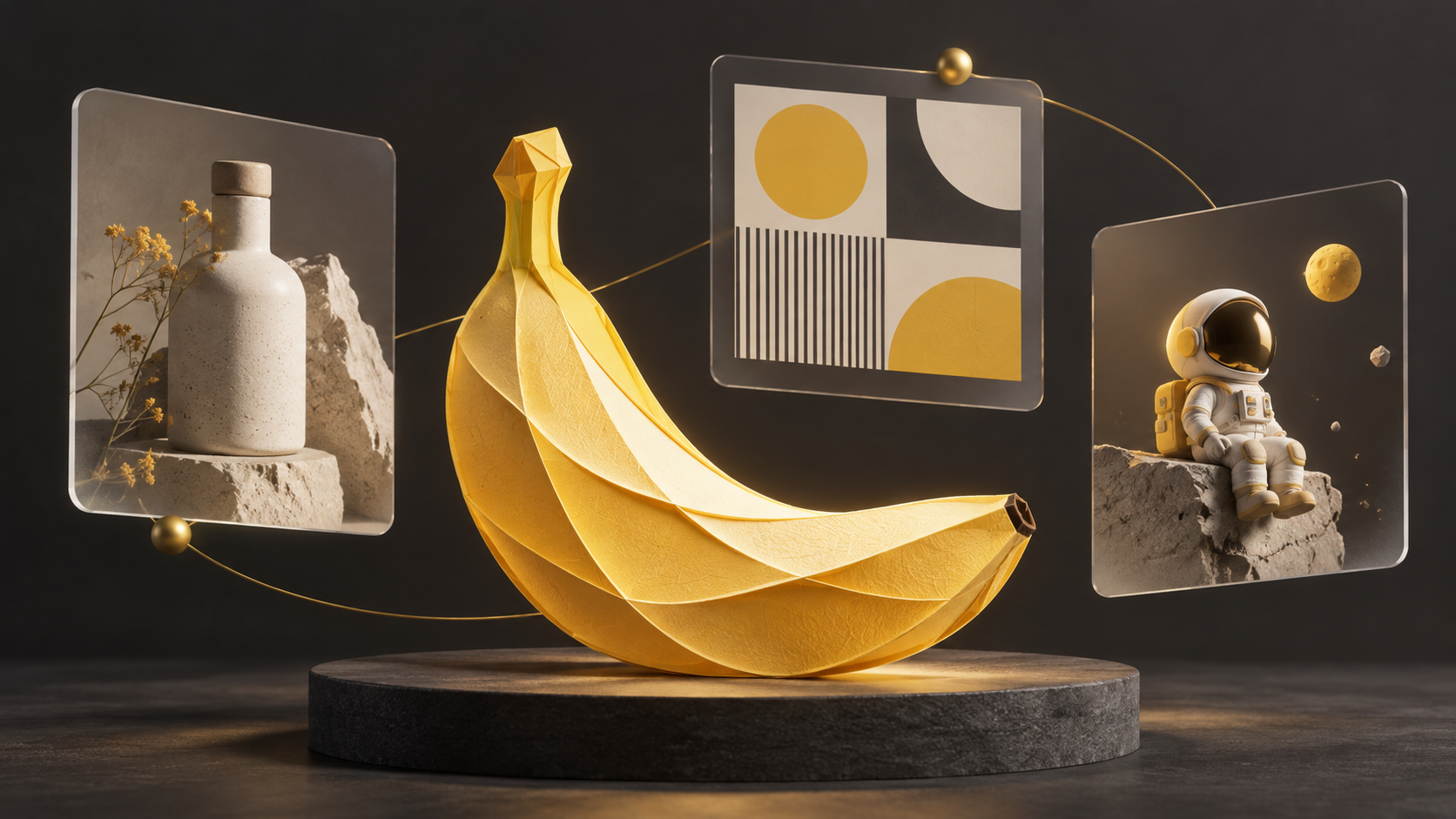
A useful image brief describes what the finished image must do. For Nano Banana 2.1, start with the subject, composition and details that must stay fixed, then refine one variable at a time. This guide combines a short overview of Google’s documentation with original workflow suggestions; it is not a hands-on benchmark.
Ready to try it? Open Nano Banana 2.1 on Genoriq to generate an image from text or edit an uploaded reference.
What changed in Nano Banana 2.1?
Google describes Nano Banana 2.1 as an update to Nano Banana 2 for image generation and conversational editing. The documented improvements cover visual quality, instruction following, text rendering and character consistency across turns. The API documentation lists 1K, 2K and 4K output, with 1K as the default, and notes fixes for tiling artifacts in wide images. These are documented capabilities, not a guarantee that every generated image will meet a brief.
Turn an idea into a usable brief
For a product image, define the material, camera angle and space needed for copy. For a poster, specify exact wording and a clear type hierarchy. For a recurring character, identify the reference image and list the visual traits that must remain unchanged. These are suggested use cases, not claims of measured performance.
Use this order: subject → setting → framing → lighting → exact text → constraints. Separate must-have details from optional style. Start with a modest output size, select the composition, then request the final resolution in the tool’s settings. Change only one major variable per revision so you can tell which instruction helped.
Three original prompts to adapt
The prompts below are starting points, not tested outputs. Set the aspect ratio and resolution separately if your interface requires it. For the third prompt, attach a character image you are allowed to use.
1. Product photography with space for copy
Create a studio product photograph of one matte ivory ceramic water bottle with a short cork cap. Place it on pale limestone against a warm gray background. Use soft window light from the left and a gentle shadow to the right. Show the entire bottle at a three-quarter angle. Leave the upper third empty for a headline. No logo, no text, no extra bottles. Landscape composition, 16:9.
Check the bottle count, shape and empty headline area. To revise the lighting, ask for softer shadows while preserving framing and geometry.
2. A poster with controlled typography
Design a minimal portrait poster for a fictional weekend ceramics workshop. Use a warm ivory background, charcoal type and one small terracotta bowl illustration. Render exactly these three lines: "CLAY WEEKEND", "MAKE SOMETHING REAL", "SATURDAY 10 AM". Keep the headline largest, the subtitle smaller and the time at the bottom. Leave generous margins. Do not add dates, prices, logos or other words. Portrait composition, 3:4.
Read every word at full size. If a line is wrong, request a correction to that line while keeping the layout. Finish critical typography in a design editor when needed.
3. A character edit with explicit constraints
Using the attached character image as the identity reference, create a new illustration of the same small astronaut sitting on a moon rock. Preserve the helmet silhouette, yellow backpack, white suit, body proportions and illustration style. Change only the pose and the environment. Use a quiet blue lunar landscape with soft rim lighting. Include one astronaut only, with no text or logo. Square composition, 1:1.
Compare the result against the reference: helmet, backpack, colors and proportions. If identity drifts, narrow the edit instead of adding more stylistic instructions.
Try these prompts on Genoriq
Open the Nano Banana 2.1 workspace and sign in. For the product photo and poster examples, choose Text to image, paste the prompt, then set the aspect ratio and resolution. For the character example, choose Image editing, upload your reference, and paste the editing prompt. Review the settings and credit cost shown before generating. The poster example uses the supported 3:4 portrait ratio.
To explore other available models, visit the AI Image Generator.
Review the result before using it
Inspect small text, object counts, edges and character details. A persuasive image is not evidence that its content is factually correct. Verify any factual labels separately, and review rights and permissions for reference material. Availability, supported settings and pricing can differ by product or provider; check the service you actually use.
The cover is original conceptual artwork created with OpenAI image generation, not a Nano Banana 2.1 sample. No comparison image or example in this article is presented as a measured model result.
Official references
Documentation checked on October 15, 2026.