8 Nano Banana Halloween Photo Prompts That Keep You Recognizable
Genoriq · Oct 21, 2026
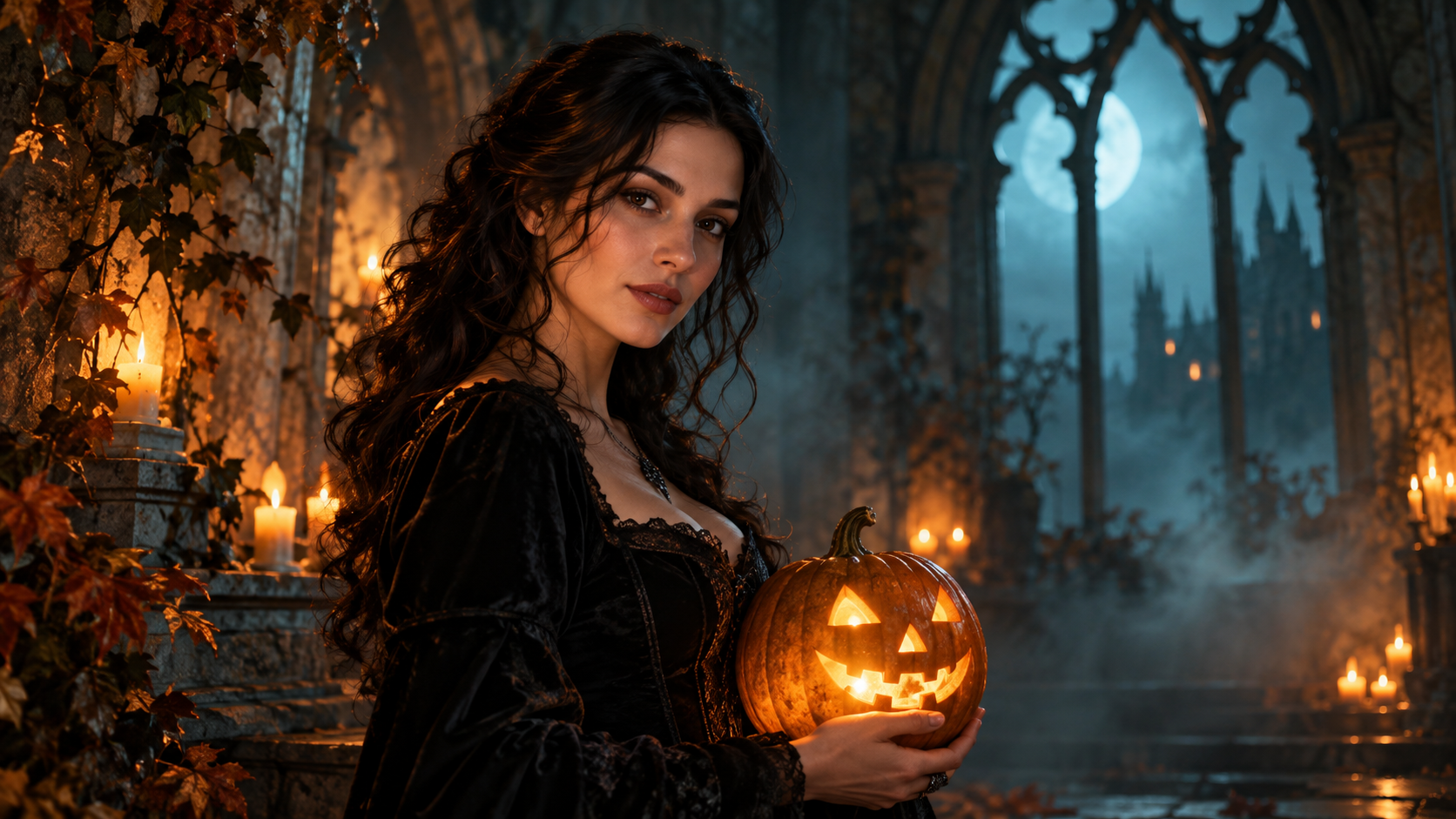
Halloween photo edits work best when the costume changes more than the person. These eight original Nano Banana Halloween photo prompts start from your own portrait and give the model a specific scene, while asking it to preserve the features that make you recognizable. Open Nano Banana Pro on Genoriq and choose the image-editing mode to follow along.
The examples are creative starting points, not tested outputs or a guarantee of identity preservation. Google identifies Nano Banana Pro as Gemini 3 Pro Image and recommends describing the subject, composition, action, location, and style in its official prompting guide. Here, those ingredients become a practical Halloween portrait workflow.
Prepare a portrait that gives the edit a fair chance
Choose one sharp, well-lit photo with your face large enough to inspect. Keep both eyes visible, avoid heavy beauty filters, and use a simple background. A chest-up portrait is easier to evaluate than a distant full-body photo. Start with an expression you want to retain; asking for a new pose, expression, outfit, and location together makes it harder to diagnose a changed face.
Use a photo you own or have permission to edit. Before uploading, crop out unrelated people and private details. Decide which characteristics matter: face shape, eye spacing, hairstyle, skin tone, and a distinctive feature such as freckles. Keep the original nearby for comparison.
Set up the edit on Genoriq
- Open Nano Banana Pro and select its image-to-image editing entry.
- Upload your portrait, paste one prompt below, and change only details that describe your intended costume or scene.
- Choose a supported aspect ratio: 3:4 suits a portrait composition; 9:16 gives more room for a vertical social post. These are composition choices, not identity controls.
- Select an available resolution. The current form offers 1k, 2k, and 4k; a larger file does not fix a changed face.
- Generate, compare with the source, and revise one problem at a time. For another pass, upload the chosen image again if needed; do not assume a previous task remains in context.
Eight copy-ready Halloween portrait prompts
1. Pumpkin lantern portrait
Edit the supplied portrait into an atmospheric Halloween photograph.
Preserve the person's facial proportions, eye color, skin tone,
hairstyle, age, and expression. Add a carved pumpkin lantern on a table
beside them and a simple dark coat. Keep the original head angle. Use
gentle amber side light and a softly blurred twilight garden. Keep both
eyes visible and natural skin texture. No face paint, no mask, no added
text.
2. Gothic library
Keep the person in the reference portrait recognizable, preserving their
face shape, features, skin tone, hairstyle, and expression. Change the
clothing to a restrained black velvet gothic outfit and place them in an
old library with tall windows and distant candles. Retain the original
pose and head angle. Soft window light illuminates the face. The
atmosphere is mysterious but the person remains natural, without
exaggerated makeup, fangs, or added text.
3. Retro autumn costume party
Transform the supplied portrait into a candid late-1980s Halloween party
photograph. Keep the same person's face, age, expression, hairstyle, and
body proportions. Add a simple star-patterned cape over their outfit,
paper pumpkin decorations in the background, warm direct-flash lighting,
and subtle film grain. Preserve the original pose. Keep skin realistic
and the face unobstructed. No celebrity likeness, no recognizable movie
character, no captions.
4. Moonlit witch portrait
The hat is the main risk: it can hide eyebrows or change the hairline. Specify where its brim sits.
Edit the reference into an elegant moonlit witch portrait of the same
person. Preserve facial structure, eye spacing, skin tone, age,
hairstyle, and expression. Add a dark pointed hat with its brim above
the eyebrows and a textured cloak. Keep the original head angle. A
softly blurred autumn woodland and gentle blue rim light establish the
setting, while neutral soft light keeps the face clear. No facial
reshaping, no heavy makeup, no text.
5. Friendly ghost scene
Place the supernatural element behind the subject. A translucent overlay across the face would make comparison needlessly difficult.
Keep the person from the supplied portrait unchanged in facial features,
hairstyle, age, skin tone, and expression. Create a playful Halloween
scene with two small friendly sheet ghosts far behind them in a softly
lit hallway. Keep the person's face and body fully solid and
unobstructed. Retain the original pose and use natural portrait lighting
with warm background lamps. No frightening injuries, no face overlay, no
lettering.
6. Autumn masquerade without a face mask
A masquerade mood does not require covering the subject. Keep decorative objects in the background to reduce hand and face complications.
Restyle the reference portrait as an autumn masquerade invitation
photograph. Preserve the person's face, expression, skin tone, age,
hairstyle, and pose. Add an elegant burgundy jacket and a softly blurred
room with gold ribbons and decorative masks displayed on the wall. Do
not put a mask on the person. Use warm, soft portrait lighting and
realistic fabric texture. Keep the image free of letters, dates, and
logos.
7. Cozy pumpkin café
Edit the supplied portrait into a cozy Halloween café photograph of the
same person. Keep their facial proportions, eyes, skin tone, hairstyle,
age, and expression. Replace the outfit with a warm knit sweater and add
small pumpkins on shelves behind them. Preserve the original pose. Use
soft daylight mixed with gentle amber background lights, realistic skin,
and a shallow depth of field. No face smoothing, no new accessories
across the face, no text.
8. Cinematic haunted-house poster portrait
Generate the artwork first. Add exact event names and dates in a design editor instead of making the portrait edit solve typography too.
Create cinematic Halloween poster artwork from the supplied portrait,
keeping the same person's facial features, proportions, skin tone,
hairstyle, age, and expression. Retain the head angle and place an old
house in the distant background with mist near the ground. Add a dark
autumn coat and subtle amber rim lighting. Keep the face clearly
illuminated and leave quiet space above the subject for later layout. No
generated lettering, no logos, no face distortion.
Fix a changed face before adding more atmosphere
Compare the source and result at similar sizes. Check eye spacing, nose shape, jawline, hairline, and distinctive marks. If the identity drifts, return to the original and request only the outfit change. Once that works, try a background edit as a separate pass. Each new pass can introduce differences, so retain your last acceptable version.
For over-smooth skin, ask to retain visible natural texture. For hidden eyes, simplify the hat or lighting. For extra fingers, remove the handheld prop rather than piling on prohibitions. A short, specific revision is easier to assess than a completely different prompt.
Common questions
Will these prompts preserve my face exactly? No. They express priorities; inspect every result and reject edits that change important features.
Can I use another Nano Banana model? The creative ideas may transfer, but names, inputs, and controls differ. Check our Gemini image model guide before moving settings between entries.
Should I translate the prompts? You can adapt the wording, but keep the preservation instructions explicit. The English blocks remain unchanged across this article's translations so examples stay comparable.
Cover: an original concept illustration generated with OpenAI ImageGen for this article, not a Nano Banana output or a demonstrated before-and-after result. Model and form information checked on October 21, 2026.