Nano Banana LinkedIn ヘッドショットのプロンプト:自然な仕上がりの5スタイル
Genoriq · 2026/10/29
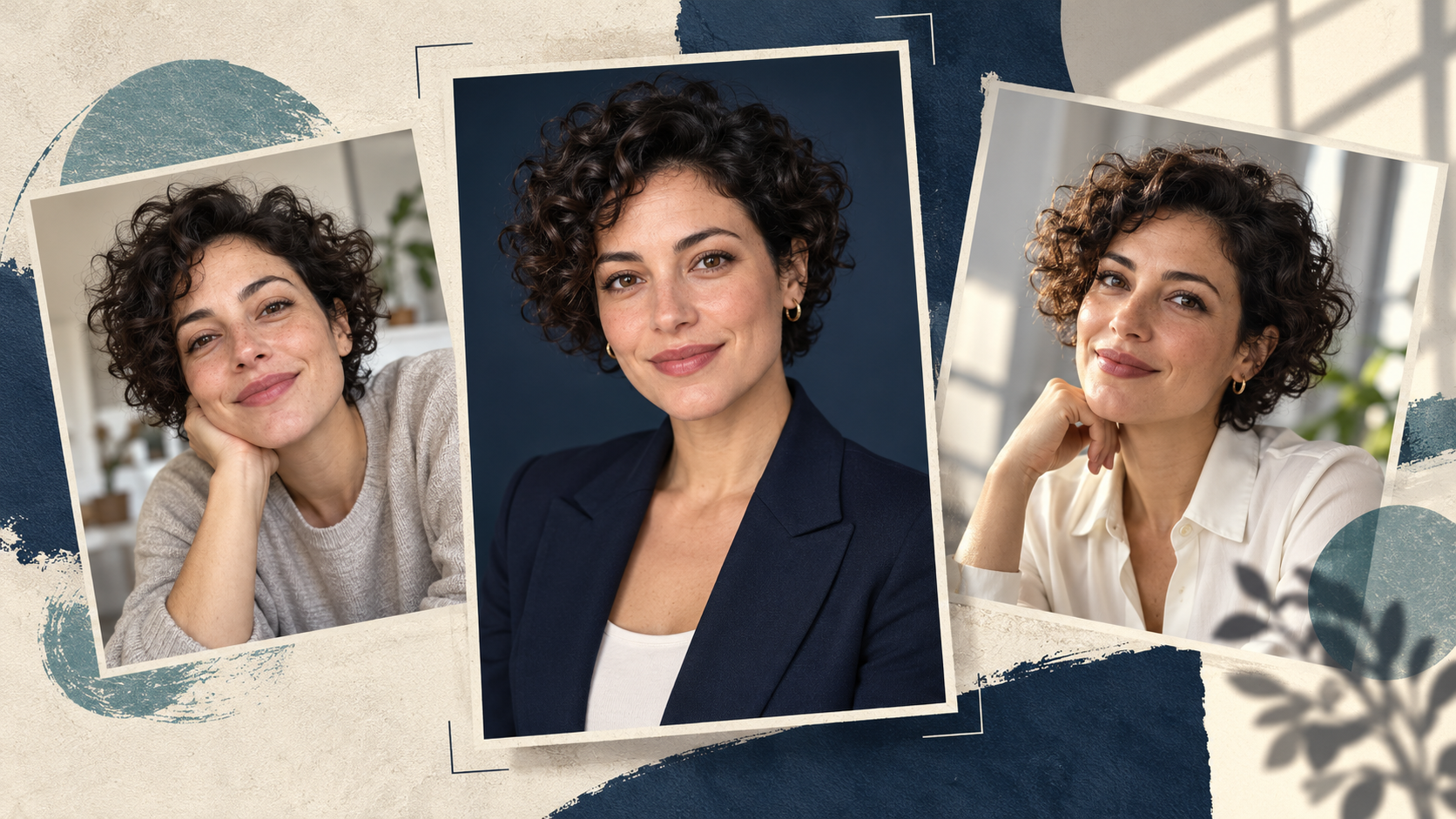
Nano Banana の LinkedIn ヘッドショット用プロンプトは、本人の鮮明な写真から始め、周囲を整える、適切な服装にする、不自然でない光にするといった範囲を限定した編集を依頼するのがコツです。目指すのは、会ったときに本人だと分かるプロフィール写真であり、新しく作り出された顔ではありません。
Nano Banana 2 on Genoriq を開き、Image editing を選択します。以下の5つのオリジナルプロンプトは出発点となる指示であり、出力を検証済みだという主張ではありません。どれも同じ人物を保ちながら、異なるプロフェッショナルな場面を試すものです。
まずは、すでに自分らしく見える写真から始める
最近撮影した、両目がはっきり見え、照明が均一で、頭と肩の周りに余白がある写真を使います。加工しすぎたポートレートより、普通のスマートフォン写真のほうが役立つことがあります。サングラス、強い美肌フィルター、動きによるブレ、顔の一部を手で隠している写真は避けます。
実際に望む表情の写真を選びます。モデルに大きな笑顔、別の角度、異なる照明を同時に作らせると、より多くの情報を推測させることになります。最初の試行ではポーズと表情を保ち、背景か服装だけを変えましょう。
チームページ用なら、構図と背景を先に統一します。自分の画像、または編集許可を得た写真を使用します。
Genoriq で編集を設定する
- Nano Banana 2 エディター で Image editing を選び、ポートレートを1枚アップロードします。
- 正方形のプロフィール画像には 1:1、実用的な開始解像度として 2k を選びます。これらは制作上の初期設定であり、LinkedIn のアップロード要件ではありません。
- 下のプロンプトを1つ貼り付けます。服装の詳細は、現実的に着るものに置き換えてください。
- 生成したら、背景を判断する前に元の写真と顔を見比べます。
- 1つの詳細が違う場合は、元の参照画像に戻り、より小さな編集にします。すでに変わった顔を何度も磨き直すのは避けます。
Nano Banana 2 は Gemini 3.1 Flash Image とも呼ばれます。他のバージョンについては、Gemini 画像ガイド を参照してください。
Nano Banana のプロフェッショナルヘッドショット用プロンプト5選
各プロンプトは、ポートレートを1枚アップロードする前提です。眼鏡、生え際、歯、顔の輪郭に不要な変化がないか確認してください。
1. シンプルなビジネスヘッドショット
控えめでフォーマルなプロフィールにはこちらを使います。
Edit the uploaded photograph into a natural professional
headshot of the same adult. Preserve their facial proportions,
age, skin tone, hairline, hairstyle, visible distinguishing
features and original expression. Keep a chest-up composition
with comfortable space above the head. Use a plain warm-gray
studio background, soft light from the front-left and a simple
navy blazer over a neutral shirt. Retain realistic skin texture
and natural asymmetry. Do not reshape the face, whiten the eyes,
add teeth or apply glamour retouching. Keep the result
believable as an ordinary professional portrait.
ブレザーの襟元が元の姿勢に合っているか、顔が細くなっていないかを確認します。
2. 親しみやすい日常的なオフィスポートレート
リラックスした職場の場面を試します。
Keep the same person, facial features, age, hair and expression
from the reference photo. Create a relaxed chest-up office
portrait with a softly blurred, uncluttered workspace behind
them. Dress them in a plain dark-green knit top, without badges
or logos. Use broad, gentle window light and realistic skin
texture. Keep the background quiet, with no readable screens or
text. Preserve the original head angle and glasses if present.
The mood should be approachable and calm, without exaggerated
smiling or a polished fashion-ad appearance.
眼鏡への映り込みと、背景の光が顔の光と一致しているかを確認します。
3. クリエイティブ職のプロフィール
色で個性を伝えつつ、顔から注意をそらさないようにします。
Use the uploaded portrait as the identity reference. Preserve
the person's face, age, skin tone, hairstyle and expression.
Make a contemporary creative-professional headshot against a
muted teal backdrop with subtle texture. Keep their existing
clothing if it is visible. Frame from the chest upward, with the
eyes near the upper third and room for a circular crop. Use soft
directional light, natural contrast and visible skin texture.
Avoid props, neon effects, dramatic shadows, invented
accessories and changes to facial structure.
テクスチャのある背景がサムネイルサイズで目元と競合する場合は、顔をシャープにするのではなく、背景を簡略化します。
4. 統一感のあるチームディレクトリ用ポートレート
同じ指示を各同僚自身の写真で使います。
Create a team-directory portrait from this person's reference
photo. Keep their identity, age, expression, hairstyle, skin
tone and visible clothing unchanged. Use a clean light-gray
background and soft balanced lighting. Place the person
centrally in a square chest-up composition with consistent
headroom and both shoulders comfortably inside the frame. Keep
natural skin texture and realistic facial proportions. Remove
background distractions only; do not redesign the person's
appearance. Leave sufficient space for a circular profile crop,
with no text, company marks or decorative graphics.
セット全体で頭の大きさと目の位置を比較します。肌の色、髪型、顔の形で統一感を判断してはいけません。
5. 自然な窓明かりのポートレート
よりカジュアルなプロフェッショナル自己紹介向けに試します。
Edit the reference photo into a natural professional portrait
beside an unseen large window. Keep the same face, age,
hairstyle, skin tone, expression and clothing. Use a simple warm
off-white background with gentle daylight falling across the
face and soft, believable shadows. Maintain a chest-up
composition and the original head angle. Preserve fine skin
detail and ordinary imperfections. Avoid golden glamour
lighting, artificial eye sparkle, heavy blur and a plastic-skin
finish. The image should feel like a careful photograph taken in
a quiet room.
目の明るさが不均一になっていないか、顔の片側が構造的に違って見える影がないかを確認します。
スタイルを整える前に顔を修正する
もう自分に見えない場合: 元の写真からやり直します。ポーズ、表情、髪を変える指示を削除します。まず背景だけの編集を依頼し、それから再評価します。
肌がワックスのように見える場合: 「完璧」「欠点なし」といった表現を削除します。普通の肌の質感を指定し、説明するレタッチの量を減らします。解像度を上げるだけでは、変わってしまった顔は元に戻りません。
服装が人工的に見える場合: 元の服装を保ち、周囲を変えます。複雑な襟、首の近くの手、作り出されたアクセサリーは、確認すべき詳細を増やします。
トリミングが窮屈に感じる場合: いつものエディターで、正方形の画像を円形マスク内でプレビューします。アップロード前に、実際のプロフィール写真サイズで髪、あご、肩を確認します。
よくある質問
自撮り写真から AI ヘッドショットを作れますか? はい、鮮明な自撮り写真を参照画像として使えます。強い広角の歪みや顔が隠れている場合は出発点として弱くなるため、長いプロンプトを足すより別の元写真のほうが役立つことがあります。
プロンプトで顔は正確に保たれますか? それを保証するプロンプトはありません。結果を元の写真と比較し、本人らしさがずれている場合は、きれいに整った画像でも採用しないでください。
最初にどのスタイルを試すべきですか? 今お持ちの写真と、想定するプロフェッショナルな場面に最も近いものを選びます。Nano Banana 2 エディター で、まず1つの管理された変更から始めてください。
機能の参考:Google の画像生成ドキュメント。モデル名と Genoriq のコントロールは2026年10月29日に確認しました。
カバー:OpenAI の画像生成で作成したオリジナルのコンセプトイラストです。架空の人物を描いており、Nano Banana の結果でも、ビフォーアフターのテストでもありません。