내 모습을 유지하는 Nano Banana 할로윈 사진 프롬프트 8가지
Genoriq · 2026. 10. 21.
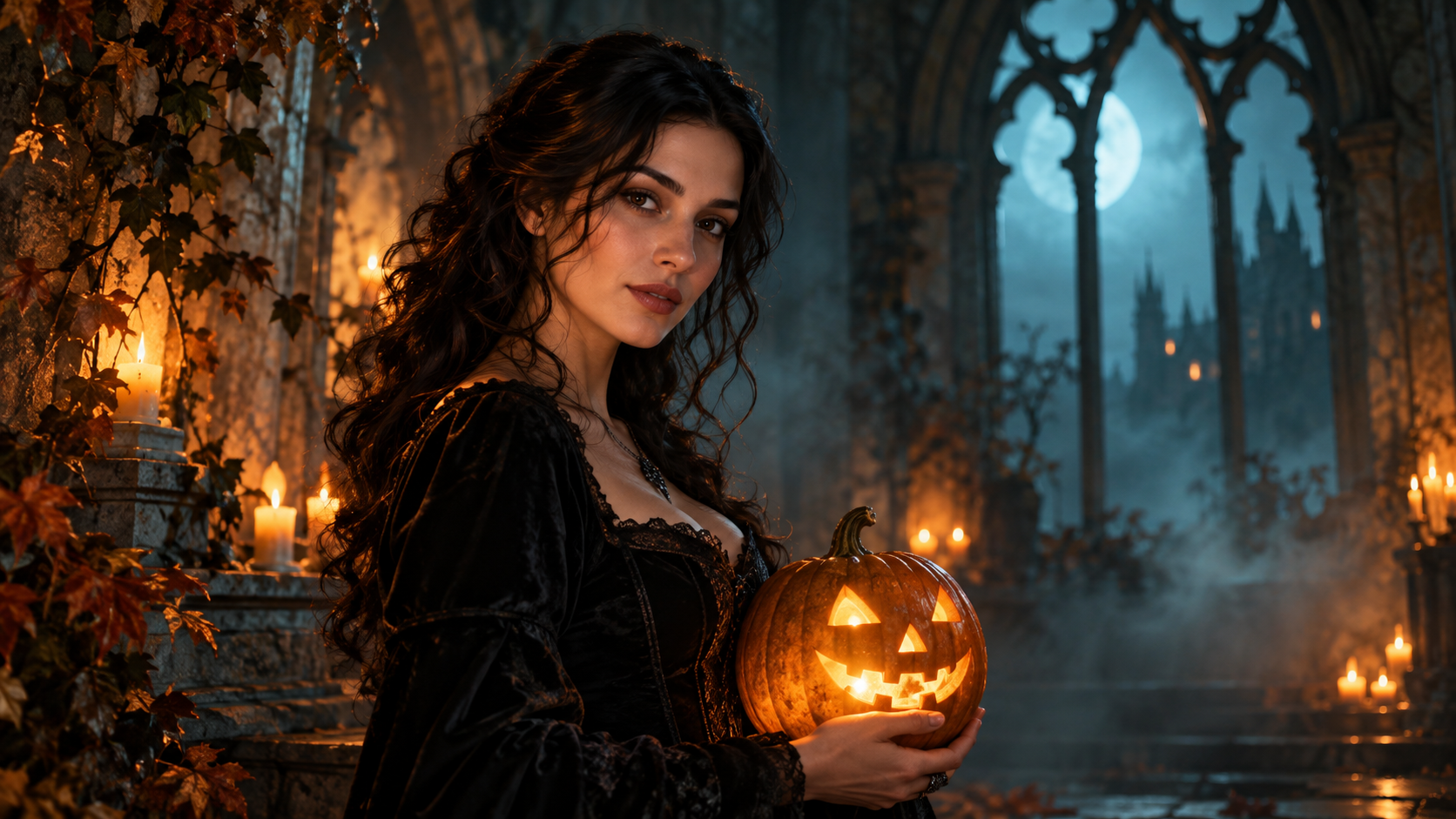
할로윈 사진 편집은 사람보다 의상이 더 많이 바뀔 때 가장 잘 작동합니다. 이 여덟 가지 독창적인 Nano Banana 할로윈 사진 프롬프트는 자신의 인물 사진에서 시작해 모델에 구체적인 장면을 제시하면서, 당신을 알아볼 수 있게 하는 특징을 보존하도록 요청합니다. Genoriq의 Nano Banana Pro를 열고 이미지 편집 모드를 선택해 따라 해 보세요.
이 예시들은 창의적인 출발점일 뿐, 테스트된 결과물이나 동일성 보존을 보장하는 것이 아닙니다. Google은 Nano Banana Pro를 Gemini 3 Pro Image로 식별하며, 공식 프롬프트 가이드에서 피사체, 구도, 동작, 장소, 스타일을 설명할 것을 권장합니다. 여기서 이러한 요소들은 실용적인 할로윈 인물 사진 워크플로가 됩니다.
편집이 공정한 기회를 갖도록 인물 사진 준비하기
얼굴을 살펴보기에 충분히 크게 담긴, 선명하고 조명이 좋은 사진 한 장을 선택하세요. 두 눈이 모두 보이게 하고, 강한 뷰티 필터는 피하며, 단순한 배경을 사용하세요. 가슴 위까지 나오는 인물 사진이 멀리서 찍은 전신 사진보다 평가하기 쉽습니다. 유지하고 싶은 표정으로 시작하세요. 새로운 포즈, 표정, 의상, 장소를 한꺼번에 요청하면 얼굴이 바뀐 원인을 진단하기가 더 어려워집니다.
소유하고 있거나 편집 허가를 받은 사진을 사용하세요. 업로드하기 전에 관련 없는 사람과 개인 정보를 잘라내세요. 어떤 특징이 중요한지 정하세요: 얼굴형, 눈 사이 간격, 헤어스타일, 피부톤, 주근깨 같은 두드러진 특징입니다. 비교할 수 있도록 원본을 가까이 두세요.
Genoriq에서 편집 설정하기
- Nano Banana Pro를 열고 이미지 투 이미지 편집 항목을 선택하세요.
- 인물 사진을 업로드하고 아래 프롬프트 중 하나를 붙여넣은 뒤, 의도한 의상이나 장면을 설명하는 세부 사항만 변경하세요.
- 지원되는 화면 비율을 선택하세요. 3:4는 인물 구도에 적합하고, 9:16은 세로형 소셜 게시물에 더 많은 공간을 제공합니다. 이는 구도 선택일 뿐 신원 제어 수단이 아닙니다.
- 사용 가능한 해상도를 선택하세요. 현재 양식에서는 1k, 2k, 4k를 제공하지만, 더 큰 파일이 바뀐 얼굴을 고쳐 주지는 않습니다.
- 생성한 뒤 원본과 비교하고, 한 번에 한 가지 문제만 수정하세요. 추가 패스가 필요하면 선택한 이미지를 다시 업로드하세요. 이전 작업이 컨텍스트에 남아 있다고 가정하지 마세요.
바로 복사해 쓸 수 있는 할로윈 인물 사진 프롬프트 8가지
1. 호박 랜턴 인물 사진
Edit the supplied portrait into an atmospheric Halloween photograph.
Preserve the person's facial proportions, eye color, skin tone,
hairstyle, age, and expression. Add a carved pumpkin lantern on a table
beside them and a simple dark coat. Keep the original head angle. Use
gentle amber side light and a softly blurred twilight garden. Keep both
eyes visible and natural skin texture. No face paint, no mask, no added
text.
2. 고딕 도서관
Keep the person in the reference portrait recognizable, preserving their
face shape, features, skin tone, hairstyle, and expression. Change the
clothing to a restrained black velvet gothic outfit and place them in an
old library with tall windows and distant candles. Retain the original
pose and head angle. Soft window light illuminates the face. The
atmosphere is mysterious but the person remains natural, without
exaggerated makeup, fangs, or added text.
3. 레트로 가을 코스튬 파티
Transform the supplied portrait into a candid late-1980s Halloween party
photograph. Keep the same person's face, age, expression, hairstyle, and
body proportions. Add a simple star-patterned cape over their outfit,
paper pumpkin decorations in the background, warm direct-flash lighting,
and subtle film grain. Preserve the original pose. Keep skin realistic
and the face unobstructed. No celebrity likeness, no recognizable movie
character, no captions.
4. 달빛 아래 마녀 인물 사진
모자가 주요 위험 요소입니다. 눈썹을 가리거나 헤어라인을 바꿀 수 있습니다. 챙이 어디에 위치하는지 명시하세요.
Edit the reference into an elegant moonlit witch portrait of the same
person. Preserve facial structure, eye spacing, skin tone, age,
hairstyle, and expression. Add a dark pointed hat with its brim above
the eyebrows and a textured cloak. Keep the original head angle. A
softly blurred autumn woodland and gentle blue rim light establish the
setting, while neutral soft light keeps the face clear. No facial
reshaping, no heavy makeup, no text.
5. 친근한 유령 장면
초자연적인 요소를 피사체 뒤에 배치하세요. 얼굴 위에 반투명 오버레이를 얹으면 비교가 불필요하게 어려워집니다.
Keep the person from the supplied portrait unchanged in facial features,
hairstyle, age, skin tone, and expression. Create a playful Halloween
scene with two small friendly sheet ghosts far behind them in a softly
lit hallway. Keep the person's face and body fully solid and
unobstructed. Retain the original pose and use natural portrait lighting
with warm background lamps. No frightening injuries, no face overlay, no
lettering.
6. 얼굴 가면 없는 가을 가면무도회
가면무도회 분위기를 내기 위해 피사체의 얼굴을 가릴 필요는 없습니다. 손과 얼굴 관련 문제를 줄이려면 장식 물체는 배경에 두세요.
Restyle the reference portrait as an autumn masquerade invitation
photograph. Preserve the person's face, expression, skin tone, age,
hairstyle, and pose. Add an elegant burgundy jacket and a softly blurred
room with gold ribbons and decorative masks displayed on the wall. Do
not put a mask on the person. Use warm, soft portrait lighting and
realistic fabric texture. Keep the image free of letters, dates, and
logos.
7. 아늑한 호박 카페
Edit the supplied portrait into a cozy Halloween café photograph of the
same person. Keep their facial proportions, eyes, skin tone, hairstyle,
age, and expression. Replace the outfit with a warm knit sweater and add
small pumpkins on shelves behind them. Preserve the original pose. Use
soft daylight mixed with gentle amber background lights, realistic skin,
and a shallow depth of field. No face smoothing, no new accessories
across the face, no text.
8. 영화 같은 유령의 집 포스터 인물 사진
먼저 아트워크를 생성하세요. 인물 편집이 타이포그래피까지 해결하게 하지 말고, 디자인 편집기에서 정확한 이벤트 이름과 날짜를 추가하세요.
Create cinematic Halloween poster artwork from the supplied portrait,
keeping the same person's facial features, proportions, skin tone,
hairstyle, age, and expression. Retain the head angle and place an old
house in the distant background with mist near the ground. Add a dark
autumn coat and subtle amber rim lighting. Keep the face clearly
illuminated and leave quiet space above the subject for later layout. No
generated lettering, no logos, no face distortion.
분위기를 더하기 전에 바뀐 얼굴부터 수정하기
원본과 결과물을 비슷한 크기로 비교하세요. 눈 사이 간격, 코 모양, 턱선, 헤어라인, 두드러진 표시를 확인하세요. 신원이 달라지면 원본으로 돌아가 의상 변경만 요청하세요. 그것이 잘 되면 배경 편집을 별도의 패스로 시도하세요. 각각의 새 패스는 차이를 만들 수 있으므로 마지막으로 수용 가능한 버전을 보관하세요.
피부가 지나치게 매끄러우면 눈에 보이는 자연스러운 질감을 유지해 달라고 요청하세요. 눈이 가려지면 모자나 조명을 단순화하세요. 손가락이 더 생기면 금지 사항을 쌓아 올리기보다 손에 든 소품을 제거하세요. 짧고 구체적인 수정이 완전히 다른 프롬프트보다 평가하기 쉽습니다.
자주 묻는 질문
이 프롬프트가 제 얼굴을 정확히 보존하나요? 아닙니다. 이는 우선순위를 표현할 뿐이므로 모든 결과를 확인하고 중요한 특징을 바꾸는 편집은 거부하세요.
다른 Nano Banana 모델을 사용할 수 있나요? 창의적인 아이디어는 적용될 수 있지만 이름, 입력, 제어 방식이 다릅니다. 항목 간에 설정을 옮기기 전에 Gemini 이미지 모델 가이드를 확인하세요.
프롬프트를 번역해야 하나요? 문구를 조정할 수는 있지만 보존 지침은 명시적으로 유지하세요. 이 글의 번역본에서도 영어 블록은 변경되지 않아 예시를 서로 비교할 수 있습니다.
표지: 이 글을 위해 OpenAI ImageGen으로 생성한 독창적인 콘셉트 일러스트이며, Nano Banana 출력물이나 입증된 전후 결과가 아닙니다. 모델 및 양식 정보는 2026년 10월 21일에 확인했습니다.