Nano Banana LinkedIn 헤드샷 프롬프트: 자연스러운 5가지 스타일
Genoriq · 2026. 10. 29.
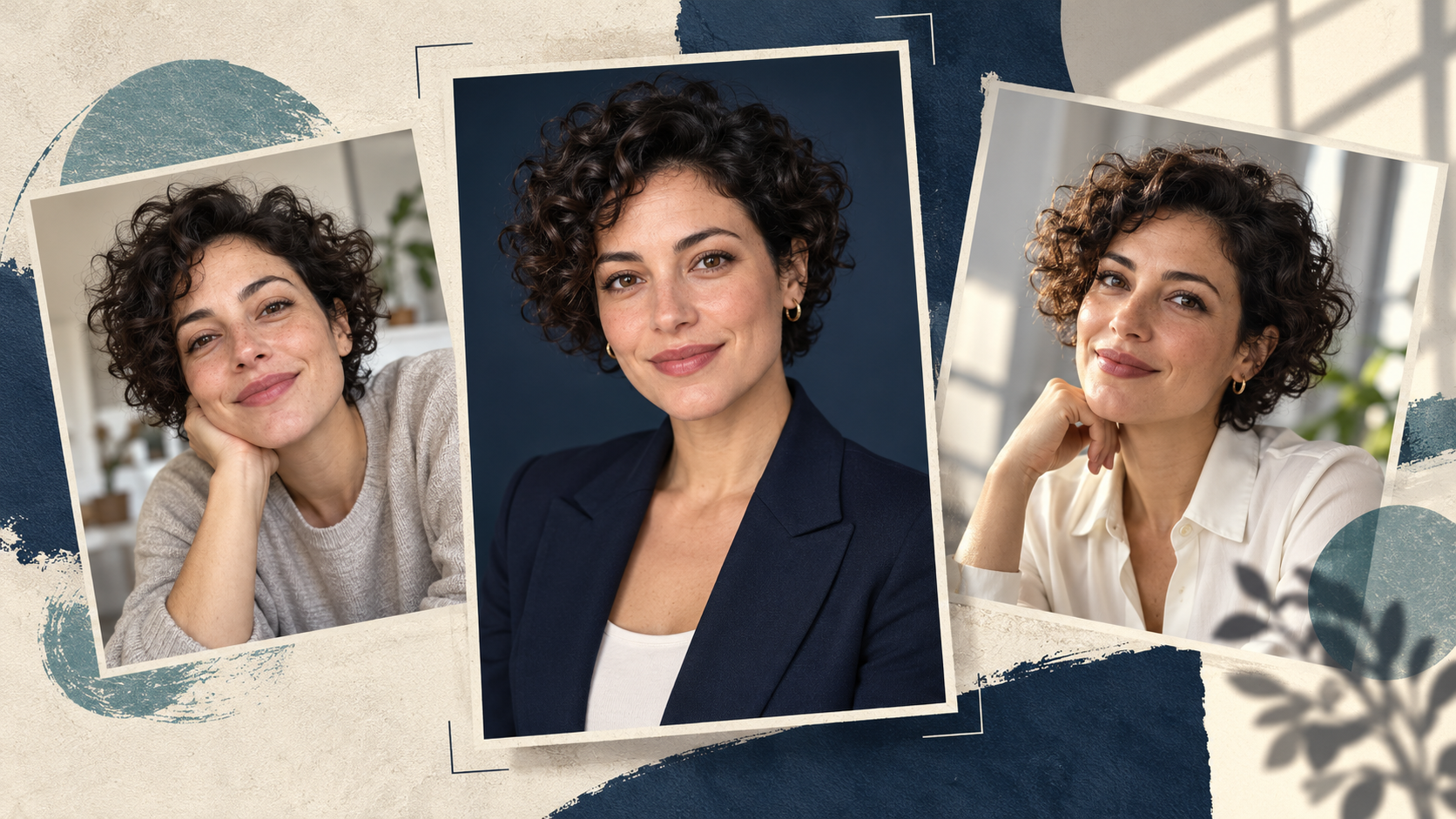
유용한 Nano Banana LinkedIn 헤드샷 프롬프트는 자신의 선명한 사진에서 시작해 제한적인 편집을 요청합니다. 더 깔끔한 주변 환경, 적절한 의상, 믿을 만한 조명을 요청하는 것이죠. 목표는 만났을 때 알아볼 수 있는 프로필 사진이지, 새로 만들어 낸 얼굴이 아닙니다.
Genoriq에서 Nano Banana 2를 열고 Image editing을 선택하세요. 아래 다섯 가지 독창적인 프롬프트는 출발점이 되는 지침이며, 테스트된 결과에 대한 주장이 아닙니다. 각 프롬프트는 같은 인물을 유지하면서 서로 다른 전문적 환경을 탐색합니다.
이미 자신처럼 보이는 사진에서 시작하세요
최근에 찍은 선명한 이미지를 사용하세요. 양쪽 눈이 보이고, 조명이 고르며, 머리와 어깨 주변에 충분한 공간이 있어야 합니다. 꾸밈없는 휴대폰 사진이 필터를 많이 적용한 인물 사진보다 더 유용할 수 있습니다. 선글라스, 강한 뷰티 필터, 모션 블러, 얼굴 일부를 가리는 손은 피하세요.
실제로 원하는 표정이 담긴 원본을 선택하세요. 모델에게 활짝 웃는 표정, 새로운 각도, 다른 조명을 한꺼번에 만들어 달라고 하면 모델이 더 많은 정보를 추론해야 합니다. 첫 시도에서는 자세와 표정을 유지하고 배경이나 의상만 바꾸세요.
팀 페이지용이라면 프레이밍과 배경을 먼저 합의하세요. 본인 이미지 또는 편집 권한이 있는 사진을 사용하세요.
Genoriq에서 편집 설정하기
- Nano Banana 2 편집기에서 Image editing을 선택하고 인물 사진 한 장을 업로드하세요.
- 정사각형 프로필 이미지에는 1:1을, 실용적인 시작 해상도로는 2k를 선택하세요. 이는 창작용 기본값이며 LinkedIn 업로드 요구 사항이 아닙니다.
- 아래 프롬프트 중 하나를 붙여 넣으세요. 의상 세부 사항은 실제로 입을 만한 것으로 바꾸세요.
- 생성한 뒤 배경을 판단하기 전에 얼굴을 원본과 비교하세요.
- 한 가지 세부 사항이 잘못되었다면 원본 참조로 돌아가 더 작은 편집을 하세요. 이미 변경된 얼굴을 반복해서 다듬는 것은 피하세요.
Nano Banana 2는 Gemini 3.1 Flash Image라고도 합니다. 다른 버전은 Gemini 이미지 가이드를 참고하세요.
Nano Banana 전문 헤드샷 프롬프트 5가지
각 프롬프트는 인물 사진 한 장을 업로드했다고 가정합니다. 안경, 헤어라인, 치아, 얼굴 윤곽에 원치 않는 변화가 있는지 확인하세요.
1. 꾸밈없는 비즈니스 헤드샷
절제되고 격식 있는 프로필에 사용하세요.
Edit the uploaded photograph into a natural professional
headshot of the same adult. Preserve their facial proportions,
age, skin tone, hairline, hairstyle, visible distinguishing
features and original expression. Keep a chest-up composition
with comfortable space above the head. Use a plain warm-gray
studio background, soft light from the front-left and a simple
navy blazer over a neutral shirt. Retain realistic skin texture
and natural asymmetry. Do not reshape the face, whiten the eyes,
add teeth or apply glamour retouching. Keep the result
believable as an ordinary professional portrait.
블레이저의 네크라인이 원래 자세와 맞는지, 얼굴이 더 좁아지지 않았는지 확인하세요.
2. 친근한 일상 사무실 인물 사진
편안한 직장 환경을 시도해 보세요.
Keep the same person, facial features, age, hair and expression
from the reference photo. Create a relaxed chest-up office
portrait with a softly blurred, uncluttered workspace behind
them. Dress them in a plain dark-green knit top, without badges
or logos. Use broad, gentle window light and realistic skin
texture. Keep the background quiet, with no readable screens or
text. Preserve the original head angle and glasses if present.
The mood should be approachable and calm, without exaggerated
smiling or a polished fashion-ad appearance.
안경에 비친 반사와 배경 조명이 얼굴 조명과 일치하는지 검토하세요.
3. 크리에이티브 전문가의 프로필
색상이 얼굴에서 시선을 빼앗지 않으면서 개성을 전달하도록 하세요.
Use the uploaded portrait as the identity reference. Preserve
the person's face, age, skin tone, hairstyle and expression.
Make a contemporary creative-professional headshot against a
muted teal backdrop with subtle texture. Keep their existing
clothing if it is visible. Frame from the chest upward, with the
eyes near the upper third and room for a circular crop. Use soft
directional light, natural contrast and visible skin texture.
Avoid props, neon effects, dramatic shadows, invented
accessories and changes to facial structure.
썸네일 크기에서 질감이 있는 배경이 눈과 경쟁한다면, 얼굴을 선명하게 만들지 말고 배경을 단순화하세요.
4. 팀 디렉터리용 일관된 인물 사진
각 동료의 개별 사진에 같은 지침을 적용하세요.
Create a team-directory portrait from this person's reference
photo. Keep their identity, age, expression, hairstyle, skin
tone and visible clothing unchanged. Use a clean light-gray
background and soft balanced lighting. Place the person
centrally in a square chest-up composition with consistent
headroom and both shoulders comfortably inside the frame. Keep
natural skin texture and realistic facial proportions. Remove
background distractions only; do not redesign the person's
appearance. Leave sufficient space for a circular profile crop,
with no text, company marks or decorative graphics.
세트 전체에서 머리 크기와 눈 위치를 비교하세요. 피부색, 헤어스타일, 얼굴형으로 일관성을 판단하지 마세요.
5. 자연 창문광 인물 사진
덜 격식 있는 전문적 소개에 시도해 보세요.
Edit the reference photo into a natural professional portrait
beside an unseen large window. Keep the same face, age,
hairstyle, skin tone, expression and clothing. Use a simple warm
off-white background with gentle daylight falling across the
face and soft, believable shadows. Maintain a chest-up
composition and the original head angle. Preserve fine skin
detail and ordinary imperfections. Avoid golden glamour
lighting, artificial eye sparkle, heavy blur and a plastic-skin
finish. The image should feel like a careful photograph taken in
a quiet room.
눈의 밝기가 고르지 않거나 얼굴 한쪽의 구조가 달라 보이게 하는 그림자가 있는지 살펴보세요.
스타일을 다듬기 전에 얼굴을 먼저 수정하세요
더 이상 본인처럼 보이지 않을 때: 원본 사진에서 다시 시작하세요. 자세, 표정, 머리카락을 바꾸는 지시를 제거하세요. 먼저 배경만 편집해 달라고 요청한 뒤 다시 평가하세요.
피부가 밀랍처럼 보일 때: “flawless”와 “perfect” 같은 표현을 제거하세요. 평범한 피부 질감을 요청하고 설명하는 리터칭의 양을 줄이세요. 해상도만 높인다고 해서 변경된 얼굴이 복원되지는 않습니다.
의상이 인위적으로 보일 때: 원래 의상을 유지하고 주변 환경을 바꾸세요. 복잡한 칼라, 목 근처의 손, 새로 만들어 낸 주얼리는 확인해야 할 추가 세부 사항을 만듭니다.
크롭이 답답하게 느껴질 때: 평소 사용하는 편집기에서 정사각형 이미지를 원형 마스크 안에 미리 보세요. 업로드하기 전에 실제 프로필 사진 크기로 머리카락, 턱, 어깨를 확인하세요.
자주 묻는 질문
셀피로 AI 헤드샷을 만들 수 있나요? 네, 선명한 셀피를 참조로 사용할 수 있습니다. 심한 광각 왜곡이나 얼굴이 가려진 사진은 출발점으로 더 약합니다. 더 긴 프롬프트보다 다른 원본 사진이 더 도움이 될 수 있습니다.
프롬프트가 제 얼굴을 정확히 보존하나요? 어떤 프롬프트도 이를 보장하지 않습니다. 결과를 원본과 비교하고, 정체성이 달라졌다면 매끄럽게 다듬어진 이미지라도 거부하세요.
어떤 스타일을 먼저 시도해야 하나요? 기존 사진과 의도한 전문적 환경에 가장 가까운 스타일을 선택하세요. Nano Banana 2 편집기에서 통제된 변경 하나로 시작하세요.
기능 참고 자료: Google의 이미지 생성 문서. 모델 명칭과 Genoriq 컨트롤은 2026년 10월 29일에 확인했습니다.
커버: OpenAI 이미지 생성으로 제작한 독창적인 콘셉트 일러스트입니다. 가상의 인물을 묘사하며 Nano Banana 결과물이나 전후 비교 테스트가 아닙니다.