Nano Banana 商品背景提示词:换场景时如何保留包装细节
Genoriq · 2026年10月24日
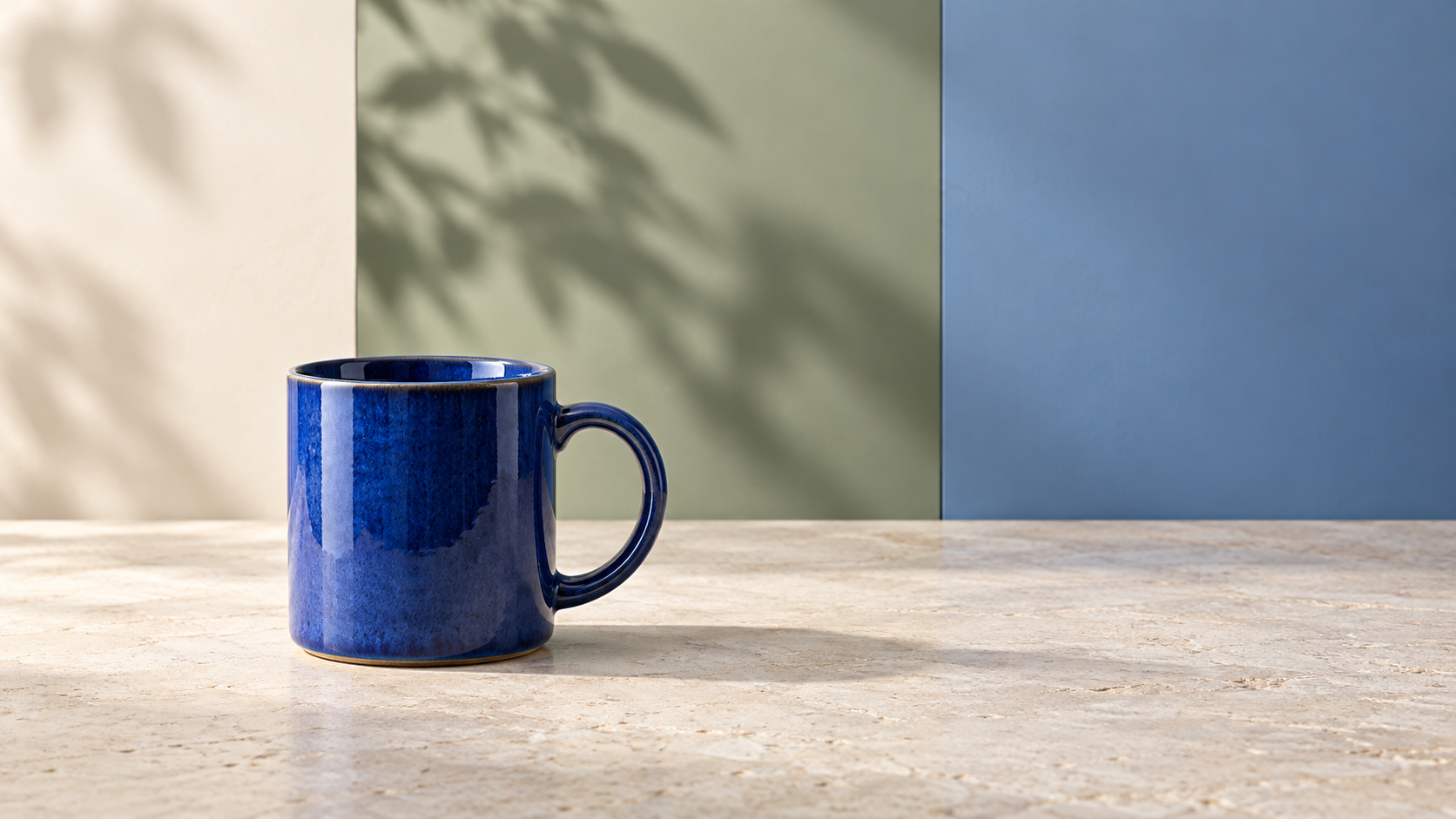
换个背景,商品照片就能更贴合营销主题,但生成过程也可能悄悄改变商品本身。包装袋变宽了,马克杯手柄缩小了,或者一小行包装文字消失了。这些 Nano Banana 产品背景提示词 以原始商品为核对依据,把修改重点放在周围场景。
打开 Genoriq 上的 Nano Banana Pro 并选择图像编辑模式。下方提示词均为原创创作示例,尚未作为实测案例验证,也不能保证完全保留商品原貌。
先准备清晰、完整的商品原图
使用一张清晰的产品照片,完整轮廓可见,周围留有足够的空白。优先选用正面或斜侧面照片,这类角度比夸张透视更容易对照检查。确保产品底部接触可见表面。已有的接触阴影有助于判断物体在新场景中的位置。
上传前按原尺寸检查源图。阅读你期望保留的每一行标签文字,检查手柄或封口,并留意已经遮挡重要细节的反光。另存一份已确认准确的商品照片或包装设计稿,用于后续核对;不要把生成结果当作商品真实外观的依据。
为具体物品列出必须保留的细节。对于咖啡包装袋:整体比例、顶部接缝、侧面折痕、印刷标签和表面质感。对于陶瓷马克杯:杯口厚度、手柄开口、釉面图案和底部。
在 Genoriq 中设置背景替换
- 在 Nano Banana Pro 工作区 中,选择图像编辑并上传产品照片。
- 选择输出宽高比。1:1 构图适合方形素材;16:9 为横幅留出空间。
- 选择可用分辨率:当前表单提供 1K、2K 和 4K。分辨率变化并不保证标签文字准确。
- 粘贴下方任一提示词,并将产品描述替换为你实际的物品。描述表面、背景、光线方向以及必须保持不变的特征。
- 在更改其他任何内容之前,将结果与源图进行对比检查。
Google 的官方 Nano Banana Pro 提示词指南建议使用明确的编辑指令并说明每张参考图的用途。同时指出,小字、精细结构和复杂编辑仍可能出错。提示词只能表达保留要求,无法锁定商品像素,生成后仍需检查。本文使用的 Genoriq 表单选项核对于 2026 年 10 月 24 日。
五个可直接复制的产品背景提示词
1. 带标签包装袋:简洁影棚背景
简单的场景更容易发现变化。
Edit the supplied photograph of a coffee pouch. Replace the surrounding
background with a warm off-white studio sweep and a matte cream surface.
Preserve the pouch proportions, top seam, side folds, material finish,
printed label, logo and all existing text. Keep its camera angle and
position unchanged. Add a soft contact shadow directly beneath its base,
consistent with the source lighting. No extra products, no new text,
no props touching the pouch, no redesign of the packaging.
2. 手工马克杯的厨房场景
新台面要与原图视角一致。如果原图看不到杯子内部,就不要额外要求展示杯内结构。
Use the supplied ceramic mug photograph as the product reference.
Replace only the surrounding scene with a pale stone kitchen counter
and a softly blurred warm kitchen in the distance. Preserve the exact
visible handle opening, rim thickness, glaze pattern, silhouette and
camera angle. Keep the mug resting naturally on the counter with a
soft contact shadow matching the original light direction.
No added drink, steam, hands, utensils or lettering on the mug.
3. 盒装配件:节日礼品场景
把节日道具放在背景中,与商品保持距离。如果商品本身不附赠礼品包装,就不要让画面造成包装也包含在售卖内容中的误解。
Edit the supplied photo of a boxed accessory. Keep the product and its
box unchanged, including dimensions, opening state, visible contents,
printed details and surface finish. Replace the background with a muted
evergreen tabletop scene. Place a loose ribbon and a small paper star
well behind the box, separated from its outline. Match the original
light direction and add a grounded contact shadow. No wrapping around
the product, no extra accessories, no new logo or promotional text.
4. 留有文案空间的宽幅营销横幅
先为标题留出空白,确认图片后再用设计工具添加实际优惠信息。
Create a wide 16:9 campaign composition using the supplied product photo.
Keep the product on the right half at its original viewing angle and
preserve its proportions, material, packaging, logo and printed text.
Extend the surrounding scene into a quiet muted blue studio background.
Leave the left half visually empty for copy to be added later.
Maintain a realistic surface beneath the product and a matching contact
shadow. No generated headline, sale badge, price, extra item or pedestal.
5. 布包:简洁户外场景
重点检查布料边缘和背带;即便新增的褶皱看起来合理,也可能改变商品外观。先让包静置在台面上,避免人物提拿带来额外形变。
Edit the supplied photograph of a fabric tote bag resting upright.
Preserve its silhouette, strap length, seams, printed design, fabric
texture and existing folds. Replace the surrounding background with a
quiet garden terrace and a simple pale wooden bench beneath the bag.
Match the source camera angle and lighting direction. Keep foliage
softly out of focus and away from the bag outline. No person, no added
contents, no changed print, no new folds or altered strap connections.
先检查产品,再评判背景
按原尺寸并排对比源图和输出图。先沿外轮廓逐处检查:宽度、高度、手柄、边角和封口。接着对比材质表现,例如哑光与光泽区域以及重复的布料细节。最后逐字阅读可见标签。
然后检查产品与表面之间的衔接处。边缘黑圈、缺失的接触阴影或与原始光线方向相反的阴影,都会让物品看起来像是贴上去的。单独检查反光:在保留旧窗户反光的同时改变环境,可能会造成不匹配。先简化背景,再考虑调整灯光;大幅改光可能连带改变商品的表面质感。
针对具体问题逐项修正
形状改变了: 回到原始照片,保持其视角,并移除任何旋转或移动产品位置的要求。指出具体改变的特征。
标签改变了: 使用更干净的源图和更保守的场景编辑重试。如果精确的包装文字至关重要,请在常规图像编辑软件中保留原始产品抠图,并将其放置在单独准备的背景上。合成后重新检查边缘和阴影。仅靠提示词措辞无法保证每一个印刷细节。
产品看起来悬空或像贴上去的: 描述其正下方的表面以及源图中已有的光线方向。在缩略图尺寸和完整尺寸下都进行对比。
常见问题
我可以将这些用于黑色星期五吗? 可以:宽幅横幅为可编辑的优惠信息留出了空间。
提高分辨率能修复错误的 Logo 吗? 增加像素并不能让模型判断字母是否正确。应先改善参考图,或使用已确认的原始设计稿,再检查最终导出图片。
如何将已验收的照片转换为视频? 先保存已验收的静态图,然后参考产品视频一致性指南。如需选择图像工作流,请参阅 Gemini 模型指南。
封面:使用 OpenAI ImageGen 生成的原创概念插图。用于展示背景设计思路,并非 Nano Banana Pro 测试结果或实际卖家的产品照片。