Nano Banana 2.1 更新解析:如何撰寫更有效的圖像提示詞
Genoriq · 2026年10月15日
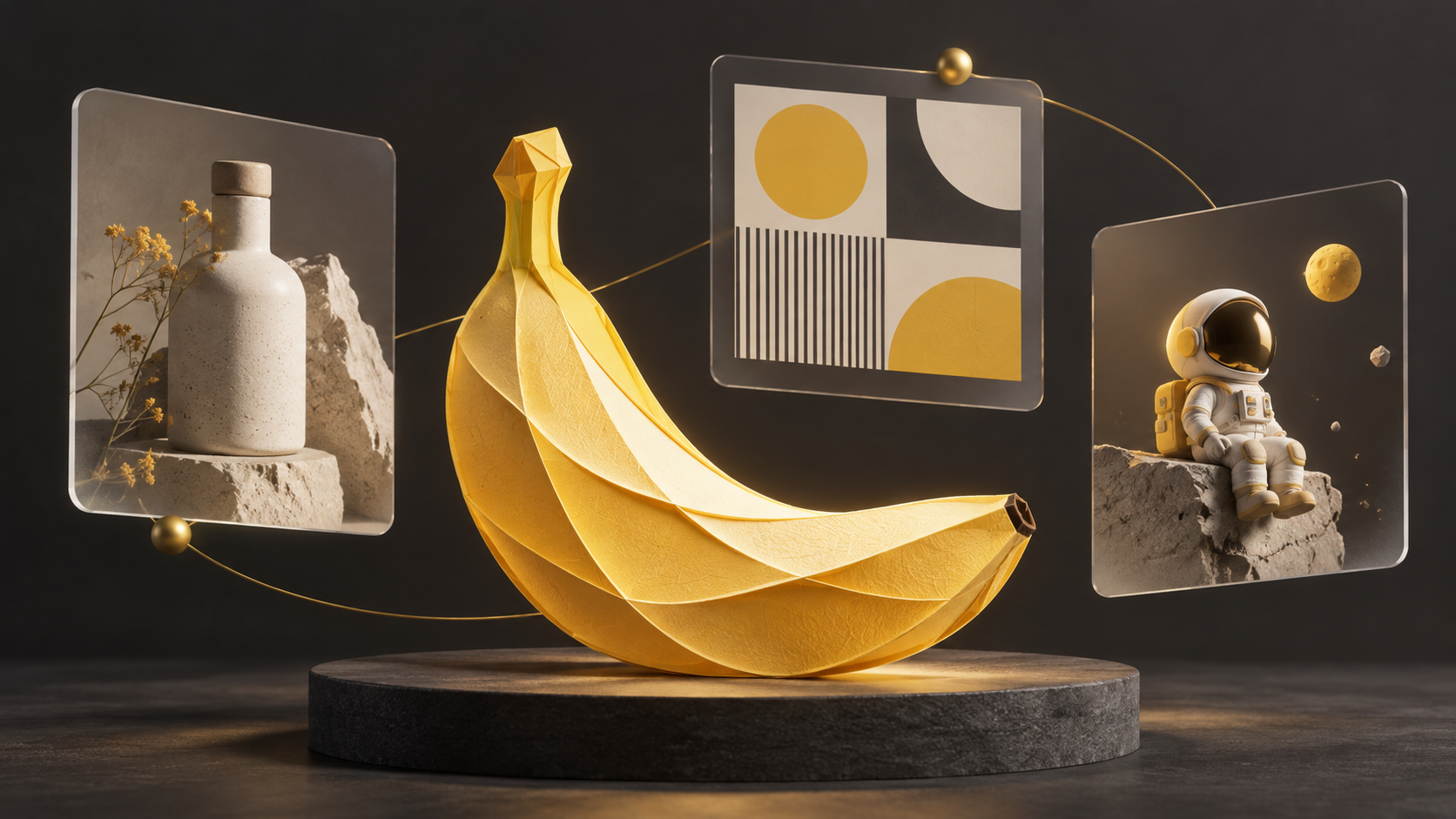
一份有效的圖像需求,應說明成品需要達成什麼。使用 Nano Banana 2.1 時,可以先寫清楚主體、構圖與必須保留的細節,再逐項調整。本文結合 Google 官方資料與原創工作流程建議,並非實測評測。
想直接試試?開啟 Genoriq Nano Banana 2.1 生成頁面,可以透過文字生成圖片,也可以上傳參考圖進行編輯。
Nano Banana 2.1 更新了什麼?
Google 將 Nano Banana 2.1 定位為 Nano Banana 2 的升級版本,用於圖像生成與對話式編輯。官方列出的改進包括畫面品質、指令遵循、文字呈現與多輪角色一致性。API 文件列出 1K、2K、4K 輸出,預設為 1K,並說明修復了寬幅圖像的拼接瑕疵。這些是官方描述的能力,不代表每次輸出都能完全符合需求。
把想法寫成可執行的需求
產品圖應寫明材質、拍攝角度與文案留白;海報應指定正確文字與字級層次;連續角色創作應明確指出參考圖,以及不能改變的外觀特徵。這些是應用建議,並非效能測試結論。
建議依「主體 → 環境 → 構圖 → 光線 → 正確文字 → 限制條件」組織提示詞。區分必要細節與可選風格。先用較低解析度確定構圖,再於工具設定中選擇最終尺寸。每輪只調整一個主要變數,以便判斷哪項指令有幫助。
三個可改寫的原創提示詞
以下英文提示詞可直接複製與改寫,尚未進行生成實測。若介面要求,請另行設定比例與解析度。第三個範例需上傳有權使用的角色參考圖。
1. 為文案預留空間的產品攝影
Create a studio product photograph of one matte ivory ceramic water bottle with a short cork cap. Place it on pale limestone against a warm gray background. Use soft window light from the left and a gentle shadow to the right. Show the entire bottle at a three-quarter angle. Leave the upper third empty for a headline. No logo, no text, no extra bottles. Landscape composition, 16:9.
檢查瓶子數量、形狀與標題留白。調整光線時,可要求柔化陰影,同時保持構圖與幾何形狀。
2. 控制文字層次的海報
Design a minimal portrait poster for a fictional weekend ceramics workshop. Use a warm ivory background, charcoal type and one small terracotta bowl illustration. Render exactly these three lines: "CLAY WEEKEND", "MAKE SOMETHING REAL", "SATURDAY 10 AM". Keep the headline largest, the subtitle smaller and the time at the bottom. Leave generous margins. Do not add dates, prices, logos or other words. Portrait composition, 3:4.
以原尺寸逐字檢查。若某行有誤,只要求修正該行並保留版面;重要排版必要時在設計工具中完成。
3. 明確保留特徵的角色編輯
Using the attached character image as the identity reference, create a new illustration of the same small astronaut sitting on a moon rock. Preserve the helmet silhouette, yellow backpack, white suit, body proportions and illustration style. Change only the pose and the environment. Use a quiet blue lunar landscape with soft rim lighting. Include one astronaut only, with no text or logo. Square composition, 1:1.
對照參考圖檢查頭盔、背包、配色與比例。角色外觀偏移時,應縮小修改範圍,而非繼續增加風格描述。
在 Genoriq 使用這些提示詞
進入 Nano Banana 2.1 創作頁面並登入。產品攝影與海報範例選擇文字生圖,貼上提示詞後設定比例與解析度;角色範例選擇圖片編輯,上傳參考圖,再貼上編輯提示詞。生成前確認頁面顯示的參數與點數消耗。海報範例採用頁面支援的 3:4 直式比例。
想嘗試其他可用模型,可以前往 AI 圖片生成器選擇。
使用前檢查結果
檢查小字、物件數量、邊緣與角色細節。看起來真實的圖像不代表內容正確;事實性標註應另行查證,也應確認參考素材的權利與授權。不同產品或供應商的可用性、設定與價格可能不同,請以實際服務為準。
封面是使用 OpenAI 圖像生成製作的原創概念插畫,並非 Nano Banana 2.1 的生成樣本。本文未將任何範例當作模型實測結果。
官方參考資料
資料核對日期:2026 年 10 月 15 日。