Nano Banana LinkedIn 大頭貼提示詞:5 種自然風格
Genoriq · 2026年10月29日
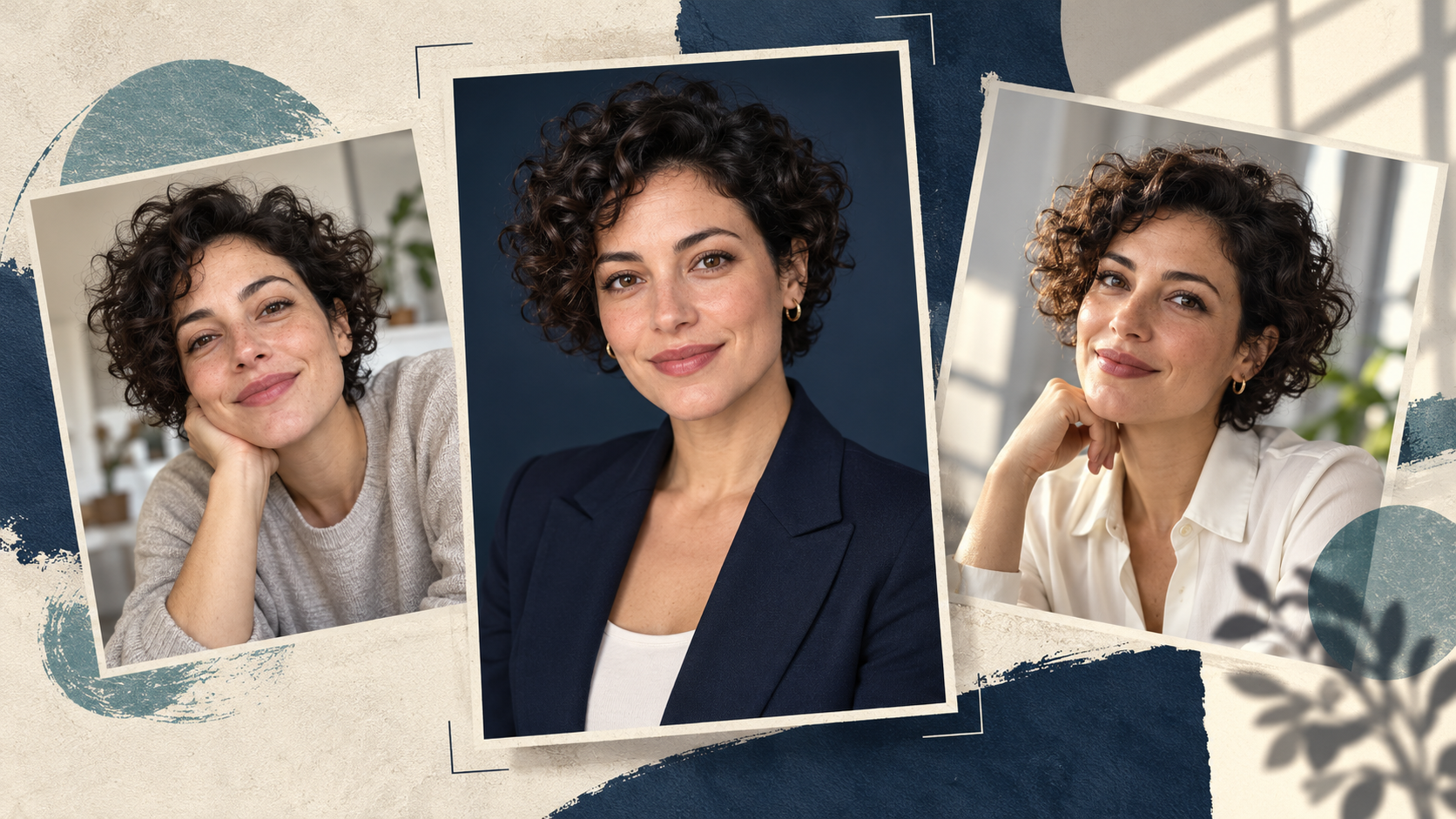
一組實用的 Nano Banana LinkedIn 大頭貼提示詞,會從你自己清晰的照片開始,並只要求有限度的編輯:更乾淨的周圍環境、合適的服裝,以及看起來可信的光線。目標是做出別人見到你本人時認得出來的個人檔案照片,而不是一張全新捏造的臉。
開啟 Genoriq 上的 Nano Banana 2,並選擇 Image editing。以下五組原創英文提示詞可供嘗試,並附上檢查方法;文中不將它們作為實測結果展示。每組都在維持同一人物的前提下,探索不同的專業情境。
先選一張清楚、真實的本人照片
使用近期、清晰、雙眼可見、光線均勻,且頭部與肩膀周圍留有足夠空間的照片。直接用手機拍的照片,可能比重度濾鏡的人像更有用。避免太陽眼鏡、強烈美顏濾鏡、動態模糊,以及手遮住部分臉部。
選擇表情就是你實際想要的照片。如果你同時要求模型憑空創造燦爛笑容、新角度和不同光線,它必須推測更多資訊。第一次嘗試時,保留你的姿勢與表情,只改變場景或服裝。
若是團隊頁面,先統一構圖與背景。請使用自己的影像,或你已獲授權可編輯的照片。
在 Genoriq 設定編輯
- 在 Nano Banana 2 編輯器 中,選擇 Image editing 並上傳一張人像。
- 選擇 1:1 製作方形大頭貼,並以 2k 作為實用的起始解析度。這些是創作上的預設值,不是 LinkedIn 的上傳規定。
- 貼上下方其中一組提示詞。把服裝細節替換成你現實中會穿的樣式。
- 生成後,先拿臉部與原圖比對,再評斷背景。
- 如果某個細節不對,回到原始參考圖,做更小幅度的編輯。避免反覆修飾已經被改動過的臉。
Nano Banana 2 也稱為 Gemini 3.1 Flash Image。其他版本請參閱 Gemini 圖像指南。
五組 Nano Banana 專業大頭貼提示詞
每組提示詞都假設你已上傳一張人像。檢查眼鏡、髮際線、牙齒與臉部輪廓是否有非預期的變化。
1. 簡潔正式的商務大頭貼
適用於內斂、正式的個人檔案照片。
Edit the uploaded photograph into a natural professional
headshot of the same adult. Preserve their facial proportions,
age, skin tone, hairline, hairstyle, visible distinguishing
features and original expression. Keep a chest-up composition
with comfortable space above the head. Use a plain warm-gray
studio background, soft light from the front-left and a simple
navy blazer over a neutral shirt. Retain realistic skin texture
and natural asymmetry. Do not reshape the face, whiten the eyes,
add teeth or apply glamour retouching. Keep the result
believable as an ordinary professional portrait.
檢查西裝外套的領口是否貼合原本的姿勢,以及臉部是否變窄。
2. 平易近人的日常辦公室人像
試試輕鬆的職場場景。
Keep the same person, facial features, age, hair and expression
from the reference photo. Create a relaxed chest-up office
portrait with a softly blurred, uncluttered workspace behind
them. Dress them in a plain dark-green knit top, without badges
or logos. Use broad, gentle window light and realistic skin
texture. Keep the background quiet, with no readable screens or
text. Preserve the original head angle and glasses if present.
The mood should be approachable and calm, without exaggerated
smiling or a polished fashion-ad appearance.
檢查眼鏡中的反光,以及背景光線是否與臉部光線一致。
3. 創意工作者的個人檔案照
讓色彩傳達個性,同時不搶走臉部的焦點。
Use the uploaded portrait as the identity reference. Preserve
the person's face, age, skin tone, hairstyle and expression.
Make a contemporary creative-professional headshot against a
muted teal backdrop with subtle texture. Keep their existing
clothing if it is visible. Frame from the chest upward, with the
eyes near the upper third and room for a circular crop. Use soft
directional light, natural contrast and visible skin texture.
Avoid props, neon effects, dramatic shadows, invented
accessories and changes to facial structure.
如果在縮圖尺寸下,有紋理的背景會和眼睛搶視覺焦點,請簡化背景,而不是把臉部銳化。
4. 風格一致的團隊介紹照片
讓每位同事用自己的照片,套用同一份提示。
Create a team-directory portrait from this person's reference
photo. Keep their identity, age, expression, hairstyle, skin
tone and visible clothing unchanged. Use a clean light-gray
background and soft balanced lighting. Place the person
centrally in a square chest-up composition with consistent
headroom and both shoulders comfortably inside the frame. Keep
natural skin texture and realistic facial proportions. Remove
background distractions only; do not redesign the person's
appearance. Leave sufficient space for a circular profile crop,
with no text, company marks or decorative graphics.
比較整組照片的頭部大小與眼睛位置。不要用膚色、髮型或臉型來判斷一致性。
5. 自然窗光人像
適合較不正式的專業介紹。
Edit the reference photo into a natural professional portrait
beside an unseen large window. Keep the same face, age,
hairstyle, skin tone, expression and clothing. Use a simple warm
off-white background with gentle daylight falling across the
face and soft, believable shadows. Maintain a chest-up
composition and the original head angle. Preserve fine skin
detail and ordinary imperfections. Avoid golden glamour
lighting, artificial eye sparkle, heavy blur and a plastic-skin
finish. The image should feel like a careful photograph taken in
a quiet room.
留意雙眼亮度是否不均,或陰影是否讓臉部某一側看起來結構不同。
先修正臉部,再調整風格
看起來已經不像你: 請從原始照片重新開始。移除會改變姿勢、表情或髮型的指示。先要求只編輯背景,然後重新評估。
皮膚看起來有蠟感: 移除「無瑕」、「完美」等用語。要求呈現一般的皮膚紋理,並減少你描述到的修圖幅度。只提高解析度,並不會讓已被改變的臉恢復原貌。
服裝看起來不自然: 保留原本的服裝,改為改變周遭環境。複雜的衣領、放在脖子附近的手,以及憑空生成的珠寶,都會增加需要檢查的細節。
裁切看起來太侷促: 在你慣用的編輯器裡,用圓形遮罩預覽方形影像。上傳前,以實際大頭貼尺寸檢查頭髮、下巴與肩膀。
常見問題
我可以從自拍製作 AI 大頭貼嗎? 可以,清晰的自拍可作為參考。強烈的廣角變形或臉部被遮擋,會讓它成為較不理想的起點;換一張來源照片,可能比寫更長的提示詞更有幫助。
提示詞能完全保留我的臉嗎? 沒有任何提示詞能保證這一點。請將結果與來源照片比對;如果臉部特徵已經改變,即使畫面再精緻也應捨棄。
我應該先試哪一種風格? 選擇最接近你現有照片與預期專業情境的風格。先在 Nano Banana 2 編輯器 中只修改一個部分。
功能參考:Google 的圖像生成說明文件。模型命名與 Genoriq 控制項已於 2026 年 10 月 29 日核對。
封面:使用 OpenAI 圖像生成建立的原創概念插圖。圖中人物為虛構,並非 Nano Banana 的生成結果,也不是前後對照測試。