Nano Banana 產品背景提示詞:保持包裝準確
Genoriq · 2026年10月24日
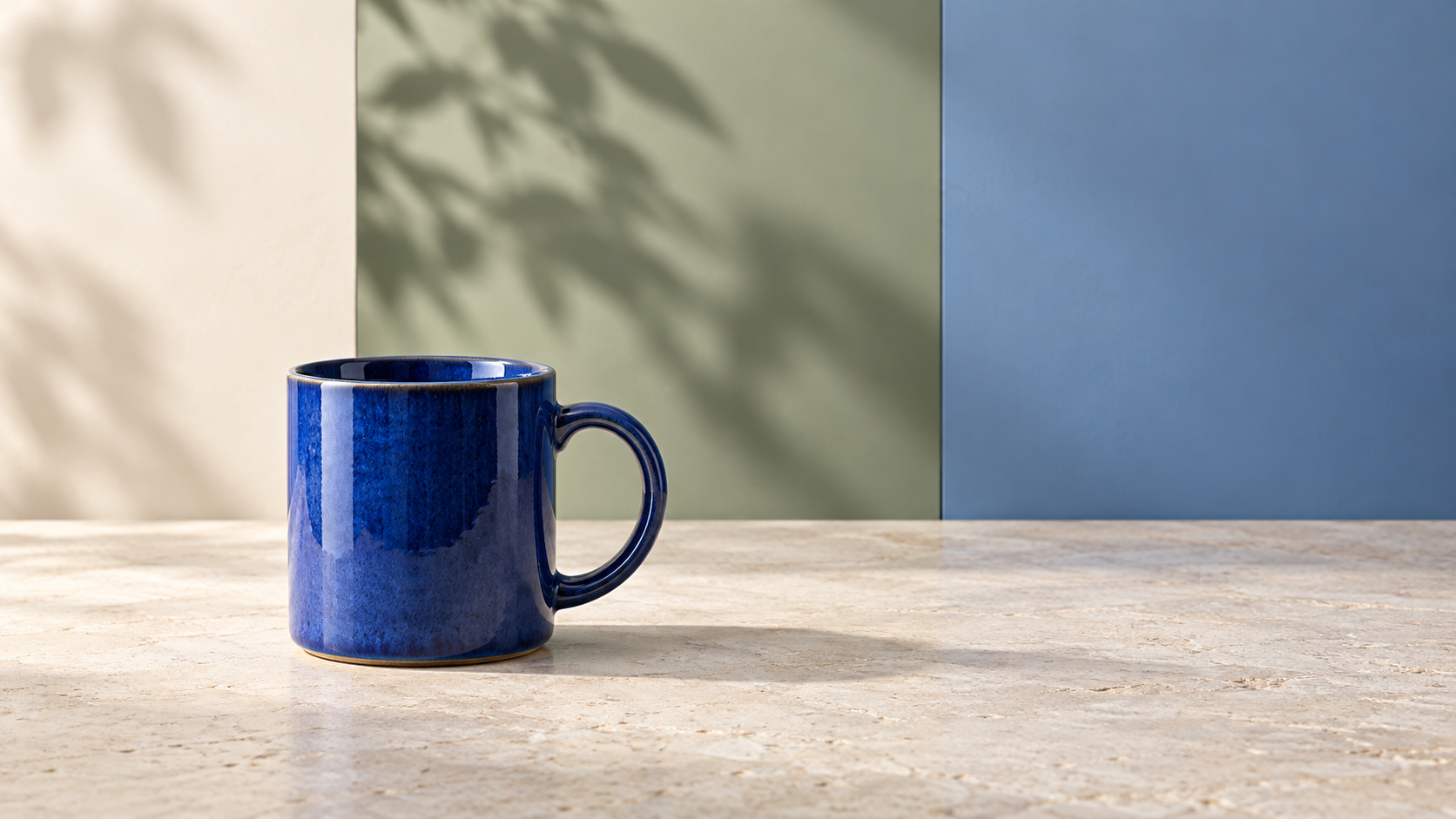
替換背景能讓產品照片看起來足以用於行銷活動,卻也可能悄悄改變你實際販售的商品。包裝袋變寬、馬克杯把手縮小,或包裝上一行小字消失。這些 Nano Banana 產品背景提示詞 將原始產品視為必須保護的參照,並把周圍場景視為可重新設計的部分。
開啟 Genoriq 上的 Nano Banana Pro,選擇影像編輯模式。這些提示詞是原創的起點,並非經過實測的測試,也不保證能完全保留原貌。
先準備清晰、完整的商品原圖
使用輪廓完整可見、周圍留有足夠空白區域的清晰產品照片。保持原始拍攝角度適中:清楚的正視或四分之三視角比戲劇化的透視更容易比對。確認底部接觸到可見的表面。既有的接觸陰影有助於判斷物件在新場景中應位於何處。
上傳前以完整尺寸檢查來源圖。逐行閱讀你預期保留的每個標籤文字,檢查把手或封口,並留意已經遮住重要細節的反光。另外保留一份經核准的產品照片或圖稿檔案以供比對;生成的影像不應成為你新的真實依據。
為特定品項寫一份簡短的保留清單。以咖啡包裝袋為例:整體比例、頂部封邊、側面摺痕、印刷標籤與材質表面處理。以陶瓷馬克杯為例:杯口厚度、把手開口、釉面圖案與杯底。
在 Genoriq 中設定背景替換
- 在 Nano Banana Pro 工作區 中,選擇影像編輯並上傳產品照片。
- 選擇輸出長寬比。1:1 構圖適合方形素材;16:9 則留有橫幅空間。
- 選擇可用的解析度:目前表單提供 1K、2K 與 4K。變更解析度並不保證標籤文字準確。
- 貼上下列其中一段簡短指令,並將產品描述替換為你實際的品項。描述表面、背景、光線方向,以及必須保持不變的特徵。
- 在變更其他任何內容之前,先將結果與來源圖比對檢查。
Google 的 Nano Banana Pro 官方提示詞指南 建議使用明確的編輯指令,並清楚指派參照圖的角色。該指南也承認在精細細節、小字與複雜編輯方面存在限制。請將保留指令視為一項需要檢查的要求,而非像素級的鎖定。此處的 Genoriq 表單與選項已於 2026 年 10 月 24 日查核。
五個可直接複製的產品背景提示詞
1. 適合貼標包裝袋的中性棚拍表面
簡單的場景讓變化更容易被發現。
Edit the supplied photograph of a coffee pouch. Replace the surrounding
background with a warm off-white studio sweep and a matte cream surface.
Preserve the pouch proportions, top seam, side folds, material finish,
printed label, logo and all existing text. Keep its camera angle and
position unchanged. Add a soft contact shadow directly beneath its base,
consistent with the source lighting. No extra products, no new text,
no props touching the pouch, no redesign of the packaging.
2. 手工馬克杯的廚房場景
讓新表面配合來源圖的角度。若原始照片從未顯示馬克杯內部,請避免要求呈現杯內視角。
Use the supplied ceramic mug photograph as the product reference.
Replace only the surrounding scene with a pale stone kitchen counter
and a softly blurred warm kitchen in the distance. Preserve the exact
visible handle opening, rim thickness, glaze pattern, silhouette and
camera angle. Keep the mug resting naturally on the counter with a
soft contact shadow matching the original light direction.
No added drink, steam, hands, utensils or lettering on the mug.
3. 盒裝配件的節慶造型
將節慶物件作為背景脈絡使用,並與商品分開。若該配件販售時不含禮品包裝,請避免使用會讓額外包裝看起來像隨附商品一部分的影像。
Edit the supplied photo of a boxed accessory. Keep the product and its
box unchanged, including dimensions, opening state, visible contents,
printed details and surface finish. Replace the background with a muted
evergreen tabletop scene. Place a loose ribbon and a small paper star
well behind the box, separated from its outline. Match the original
light direction and add a grounded contact shadow. No wrapping around
the product, no extra accessories, no new logo or promotional text.
4. 留有文案空間的寬幅行銷橫幅
要求標題將放置處留白,然後在你的設計工具中加入實際優惠內容。
Create a wide 16:9 campaign composition using the supplied product photo.
Keep the product on the right half at its original viewing angle and
preserve its proportions, material, packaging, logo and printed text.
Extend the surrounding scene into a quiet muted blue studio background.
Leave the left half visually empty for copy to be added later.
Maintain a realistic surface beneath the product and a matching contact
shadow. No generated headline, sale badge, price, extra item or pedestal.
5. 適合布包的簡潔戶外場景
布料邊緣與背帶特別值得注意,因為看似合理的新摺痕仍可能錯誤呈現商品。讓布包留在表面上,而不要加入會改變其形狀的人物。
Edit the supplied photograph of a fabric tote bag resting upright.
Preserve its silhouette, strap length, seams, printed design, fabric
texture and existing folds. Replace the surrounding background with a
quiet garden terrace and a simple pale wooden bench beneath the bag.
Match the source camera angle and lighting direction. Keep foliage
softly out of focus and away from the bag outline. No person, no added
contents, no changed print, no new folds or altered strap connections.
先檢查產品,再評斷背景
以完整尺寸並排比對來源圖與輸出圖。首先描摹輪廓:寬度、高度、把手、邊角與封口。接著比對材質線索,例如霧面與亮面區域,以及重複出現的布料細節。最後逐字閱讀可見的標籤。
然後檢查產品與表面之間的接合處。暗色光暈、缺少接觸陰影,或陰影方向與原始光線相反,都可能讓商品看起來像貼上去的。另外檢查反光:在保留舊有窗戶反光的同時改變環境,可能造成不一致。在要求可能改變產品表面處理的戲劇化重新打光之前,先要求更簡單的背景。
針對具體問題逐項修正
形狀改變了: 回到原始影像,保持其視角,並移除任何要求旋轉或重新擺放產品的指令。指出改變的具體特徵。
標籤改變了: 以更乾淨的來源圖與較不複雜的場景編輯重試。若包裝文字必須完全準確,請在傳統影像編輯器中保留原始產品去背圖,並將其疊放在另行準備的背景上。合成後重新檢查邊緣與陰影。單靠提示詞措辭無法保證每個印刷細節。
產品看起來像浮空的: 描述其正下方的表面,以及來源圖中既有的光線方向。除了完整尺寸,也以縮圖尺寸進行比對。
常見問題
我可以用這些提示詞製作黑色星期五素材嗎? 可以:寬幅橫幅留有可編輯優惠內容的空間。
我應該提高解析度來修復標誌嗎? 更多輸出像素並不能確定哪些字母才是正確的。修正參照圖或使用經核准的原始圖稿,然後驗證最終匯出的素材。
如何將核准的照片轉成影片? 先儲存核准的靜態影像,然後參閱另行的產品影片一致性指南。若要選擇影像工作流程,請參閱 Gemini 模型指南。
封面:以 OpenAI ImageGen 生成的原創概念插圖。此圖用於說明背景造型,並非 Nano Banana Pro 的測試結果,也不是實際賣家的產品照片。