6 個 Seedance 萬聖節影片提示詞,製作簡單又應景的短片
Genoriq · 2026年10月24日
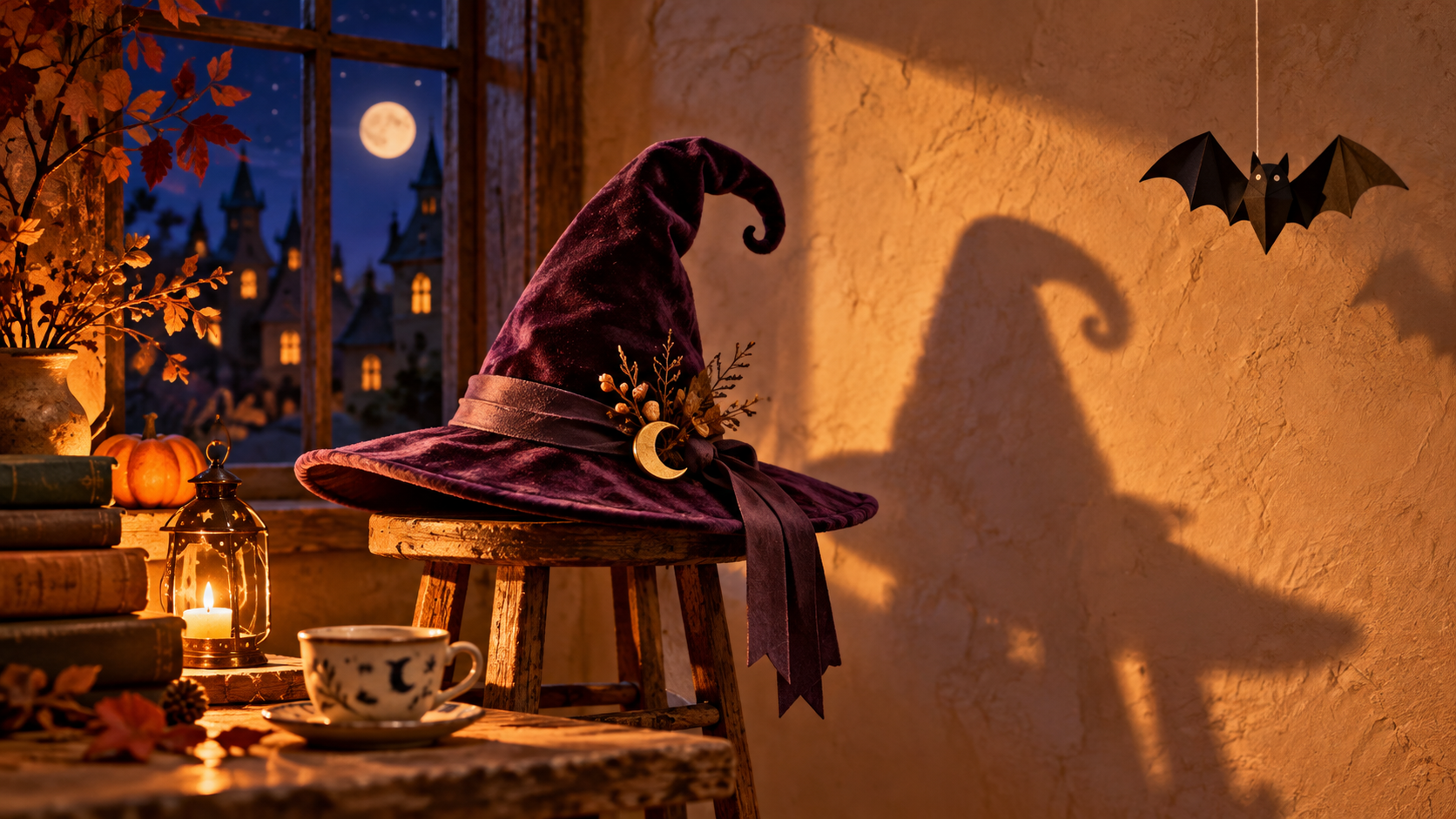
萬聖節影片的構想,往往在第一格畫面動起來之前就變得過於複雜:門打開、鏡頭旋轉、三個幽靈現身,角色還換了服裝。這些 Seedance 萬聖節影片提示詞採用更精簡的設定:一個場景、一個看得見的事件,以及一個清楚的收尾。從 Genoriq 上的 Seedance 2.0 開始,製作一段不需要複雜剪輯就能判斷好壞的短片。
以下六個提示詞是原創的創作起點,並非經過測試的輸出範例,也不保證能精準掌握時間點。想呈現虛構場景時使用文字轉影片;若你已有完成的萬聖節插畫,則使用圖片轉影片。
生成前先決定什麼該動
把動作寫成一句話:「紙蝙蝠搖晃一次後靜止。」將這個動作與氛圍分開。燭光、灰塵或霧氣可以襯托場景,但若要求每個元素都動起來,需要檢查的地方就更多了。第一次嘗試時,請固定鏡頭,並選擇一個開頭與結尾都明確的動作。
使用圖片轉影片時,請準備一張乾淨的圖片,讓會動的物件完整可見,並在移動方向上預留空間。避免使用已經裁掉物件、或遮住其固定點的參考圖。若你需要一張起始人像,我們的萬聖節照片提示詞指南涵蓋了這個獨立的準備步驟。
在 Genoriq 上設定鏡頭
- 開啟 Seedance 2.0 工作區,選擇文字轉影片或圖片轉影片。以下說明以標準 2.0 版本為準。
- 使用圖片轉影片時,上傳一張準備好的起始圖片。目前表單也允許上傳第二張圖片作為結尾影格;第一次實驗時請留空,除非你已刻意設計好相符的結尾。
- 選擇構圖:直式問候用 9:16,寬景場景用 16:9。確認來源圖片在該裁切比例下有足夠空間。
- 以五秒長度作為編輯上的起始嘗試,並選擇可用的解析度。表單提供 480p、720p 與 1080p。
- 決定是否啟用生成音訊。這些視覺提示詞不搭配音訊也能運作。請將限制條件寫進主要提示詞;此版本沒有獨立的負面提示詞欄位。
ByteDance 在其官方 Seedance 2.0 頁面說明了多模態參考功能。本教學僅使用 2026 年 10 月 24 日查核的 Genoriq 版本所開放的文字與圖片輸入。
六個可直接複製的萬聖節影片提示詞
1. 差點醒來的紙蝙蝠
細線與蝙蝠應保持相連。若吊飾變成動物,請在整段提示詞中把「蝙蝠」替換為「扁平黑色紙蝙蝠裝飾」。
A handmade Halloween window display with one flat black paper bat
hanging from a visible cotton thread. Locked camera, medium close-up.
A faint draft rocks the paper decoration gently once; it slows and
settles. Keep its folded paper shape and attachment point unchanged.
Warm room light, blue evening outside, tactile paper texture.
One continuous shot, no living animal, no cuts, no added text.
2. 影子悄悄移動的女巫帽
讓帽子保持靜止,這樣你才能判斷影子的移動是刻意設計,而非鏡頭意外晃動。
A small felt witch hat sits on a wooden stool beside an empty plaster
wall. Fixed wide camera. The hat stays perfectly still while its shadow
slowly tilts its pointed tip, pauses, then returns to its original
outline. One warm lamp provides a clear shadow edge. Quiet, whimsical
Halloween atmosphere. Keep the stool, hat, wall and camera unchanged.
No person enters, no transformation of the physical hat, no cuts.
3. 陶瓷杯裡的小幽靈
使用圖片轉影片時,起始圖片應已包含幽靈與杯子;避免要求模型在影片中途憑空創造出隱藏的角色。
Animate the supplied illustration of a tiny translucent ghost peeking
out of a ceramic teacup. Preserve the illustration style, cup shape,
ghost face and scene layout. The ghost rises a small distance, gives
one gentle nod, and settles back to the starting height. Locked camera.
Keep its rounded silhouette simple and its expression friendly.
No extra limbs, no new characters, no text, one continuous shot.
4. 咒語盒上的天鵝絨緞帶
讓盒子保持關閉:打開盒子需要看不見的內部細節,動作規劃也會更複雜。
A closed plum-colored spell box on a dark desk, tied with a single
velvet ribbon. Small painted stars decorate the lid without lettering.
Fixed close-up camera. One loose ribbon end slowly lifts as if touched
by a breeze, curls gently, and drops back onto the desk. The knot and
box remain still. Soft amber side light, rich fabric texture, subtle
Halloween magic. No opening lid, no sparks, no cuts, no words.
5. 月光掠過迷你樓梯
若整個場景的亮度突然大幅變化,請要求較微弱的光線變化,並移除任何額外的閃爍效果。
A handcrafted miniature staircase inside a Halloween dollhouse, with
one small orange lantern resting on the bottom step. Locked camera.
A soft band of moonlight moves slowly across the upper wall as a cloud
passes outside, then becomes still. Preserve every stair edge and the
lantern position. Deep indigo shadows, warm lantern glow, visible
miniature wood texture. No characters, no camera movement, no cuts.
6. 糖果店上方的睡眼月亮
月亮的表情是唯一的角色動作;店面應保持可辨識的輪廓,不需要生成店名文字。
Animate the supplied storybook illustration of a small Halloween candy
shop beneath a smiling crescent moon. Keep the architecture, palette
and moon outline unchanged. The moon closes its eyes slowly and opens
them once. The shop and sky remain still. Fixed camera, gentle bedtime
mood, soft painted textures. Preserve the existing composition.
No new lettering, no falling objects, no scene transition.
修正第一個看得見的問題
先以正常速度看一遍,再檢查開頭、動作高峰與結尾。若物件出現分身,請將場景簡化為一個具名主體。若場景設定改變,請移除鏡頭移動,並明確要求保留原有佈局。若動作始終沒有完成,請縮短動作描述,而不是加入更多事件。
使用參考圖製作動畫時,請將最後一格與原圖比較。檢查輪廓、固定點與背景地標是否一致。只有在這些差異符合你的用途時,才保留該版本。
完成問候影片並檢查循環
在影片編輯器中裁掉不穩定的開頭或結尾,再以可編輯文字加入你的問候語。讓文字遠離會動的主體。若影片需要重複播放,請比較第一格與最後一格,並留意音訊是否跳接。回到相似的姿勢並不保證能無縫循環;短暫的溶接或許有助於營造氛圍,但可能在移動的物件周圍產生殘影。
常見問題
我應該使用兩張參考圖嗎? 只有在兩張圖都呈現相容的場景,且你需要特定結尾時才使用。不同角度或物件排列,可能讓要求的轉場更難判讀。這些小幅動作請先從一張圖片開始。
我可以把六個構想合併成一個提示詞嗎? 請分別生成短片,挑出最強的一段,再於編輯器中組裝。每個範例都有各自的視覺重點,應獨立評估。
初學者該從哪裡開始? 先從紙吊飾或月光場景著手,再閱讀 Seedance 2.0 工作流程指南,以更全面地了解可用模式。
封面:以 OpenAI ImageGen 生成的原創概念插圖。並非 Seedance 輸出,也不是任何測試短片的畫面。