6 Seedance Halloween Video Prompts for Simple, Spooky Clips
Genoriq · Oct 24, 2026
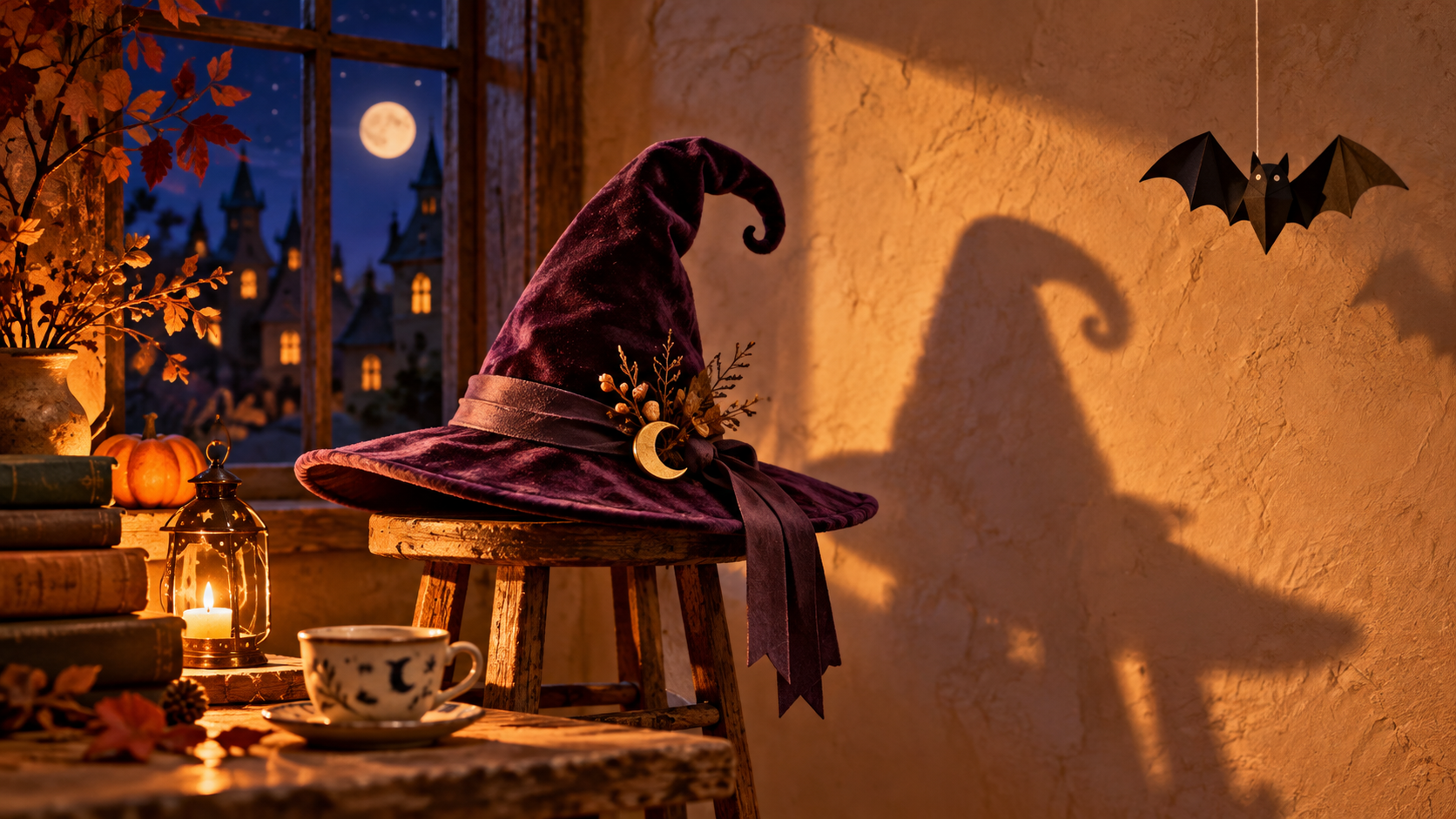
Halloween video ideas often become too complicated before the first frame moves: a door opens, the camera spins, three ghosts appear, and a character changes costume. These Seedance Halloween video prompts use a smaller brief: one scene, one visible event, and a clear resting point. Start in Seedance 2.0 on Genoriq and build a clip you can judge without a complicated edit.
The six prompts below are original creative starting points, not tested output samples or promises of exact timing. Use text-to-video for an invented scene, or image-to-video when you already have a finished Halloween illustration.
Choose what should move before generating
Write the action as a single sentence: “The paper bat rocks once and settles.” Separate that action from atmosphere. Candlelight, dust, or fog can support the scene, but asking every element to move gives you more things to inspect. For a first attempt, keep the camera fixed and choose an action with an obvious beginning and end.
For image-to-video, prepare a clean image with the moving object completely visible. Leave room in the direction of movement. Avoid a reference that already cuts off the object or hides its attachment point. If you need a starting portrait, our Halloween photo prompt guide covers that separate preparation step.
Set up the shot on Genoriq
- Open the Seedance 2.0 workspace and choose text-to-video or image-to-video. These instructions refer to the standard 2.0 entry.
- For image-to-video, upload one prepared starting image. The current form also permits a second image for the ending frame; leave it empty for the first experiment unless you have a deliberate matching ending.
- Choose a composition: 9:16 for a vertical greeting or 16:9 for a wide scene. Check that the source image has room for that crop.
- Try a five-second duration as an editorial starting point and select an available resolution. The form offers 480p, 720p, and 1080p.
- Decide whether to enable generated audio. The visual prompts work without it. Put constraints in the main prompt; this entry has no separate negative-prompt field.
ByteDance describes multimodal reference capabilities on its official Seedance 2.0 page. This tutorial uses only the text and image inputs exposed in the Genoriq entry checked on October 24, 2026.
Six copy-ready Halloween video prompts
1. The paper bat that almost wakes up
The string and bat should remain attached. If the ornament becomes an animal, replace “bat” with “flat black paper bat decoration” throughout the prompt.
A handmade Halloween window display with one flat black paper bat
hanging from a visible cotton thread. Locked camera, medium close-up.
A faint draft rocks the paper decoration gently once; it slows and
settles. Keep its folded paper shape and attachment point unchanged.
Warm room light, blue evening outside, tactile paper texture.
One continuous shot, no living animal, no cuts, no added text.
2. A witch hat with a delayed shadow
Keep the hat motionless so you can judge whether the intended shadow movement is clear rather than accidental camera shake.
A small felt witch hat sits on a wooden stool beside an empty plaster
wall. Fixed wide camera. The hat stays perfectly still while its shadow
slowly tilts its pointed tip, pauses, then returns to its original
outline. One warm lamp provides a clear shadow edge. Quiet, whimsical
Halloween atmosphere. Keep the stool, hat, wall and camera unchanged.
No person enters, no transformation of the physical hat, no cuts.
3. The tiny ghost in a ceramic cup
For image-to-video, the starting image should already contain the ghost and cup; avoid asking the model to invent a hidden character halfway through.
Animate the supplied illustration of a tiny translucent ghost peeking
out of a ceramic teacup. Preserve the illustration style, cup shape,
ghost face and scene layout. The ghost rises a small distance, gives
one gentle nod, and settles back to the starting height. Locked camera.
Keep its rounded silhouette simple and its expression friendly.
No extra limbs, no new characters, no text, one continuous shot.
4. The velvet ribbon on a spell box
Leave the box closed: opening it would require unseen interior details and a more complicated motion plan.
A closed plum-colored spell box on a dark desk, tied with a single
velvet ribbon. Small painted stars decorate the lid without lettering.
Fixed close-up camera. One loose ribbon end slowly lifts as if touched
by a breeze, curls gently, and drops back onto the desk. The knot and
box remain still. Soft amber side light, rich fabric texture, subtle
Halloween magic. No opening lid, no sparks, no cuts, no words.
5. Moonlight across a miniature staircase
If the whole set changes brightness abruptly, ask for a weaker light shift and remove any additional flickering effects.
A handcrafted miniature staircase inside a Halloween dollhouse, with
one small orange lantern resting on the bottom step. Locked camera.
A soft band of moonlight moves slowly across the upper wall as a cloud
passes outside, then becomes still. Preserve every stair edge and the
lantern position. Deep indigo shadows, warm lantern glow, visible
miniature wood texture. No characters, no camera movement, no cuts.
6. A sleepy moon above the candy shop
The moon's expression is the only character action; the storefront should stay readable as a shape without requiring generated shop lettering.
Animate the supplied storybook illustration of a small Halloween candy
shop beneath a smiling crescent moon. Keep the architecture, palette
and moon outline unchanged. The moon closes its eyes slowly and opens
them once. The shop and sky remain still. Fixed camera, gentle bedtime
mood, soft painted textures. Preserve the existing composition.
No new lettering, no falling objects, no scene transition.
Repair the first visible problem
Watch once at normal speed, then inspect the beginning, the action peak, and the ending. If an object duplicates, simplify the scene to one named subject. If the setting changes, remove camera movement and explicitly preserve the layout. If the action never finishes, shorten the action description rather than adding more events.
For reference animation, compare the last frame with the original. Check the same silhouette, attachment points, and background landmarks. Keep a version only when those differences suit your intended use.
Finish the greeting and check the loop
Trim an unstable opening or ending in your video editor, then add your greeting as editable text. Keep text away from the moving subject. If the clip should repeat, compare the first and last frames and listen for an audio jump. Returning to a similar pose does not guarantee a seamless loop; a short dissolve may help with atmosphere but can create ghosting around a moving object.
Common questions
Should I use two reference images? Only when both show a compatible scene and you need a particular ending. A different angle or object arrangement can make the requested transition harder to interpret. Start with one image for these small movements.
Can I combine all six ideas into one prompt? Generate separate clips, choose the strongest, then assemble them in an editor. Each example has its own visual focus and should be evaluated independently.
Where should a beginner start? Use the paper decoration or moonlight scene, then read the Seedance 2.0 workflow guide for a broader introduction to the available modes.
Cover: original concept illustration generated with OpenAI ImageGen. It is not a Seedance output or a frame from a tested clip.