Seedance Product Video Prompts: How to Reduce Warping and Logo Drift
Genoriq · Oct 21, 2026
An attractive AI product video can still be unusable if the bottle bends, the label changes, or a handle disappears. These original Seedance product video prompts focus on a narrower goal: animate one product photo while making changes to the product easier to prevent, identify, and reject. Start with Seedance 2.0 on Genoriq in image-to-video mode.
This is a preparation and review workflow, not a guarantee of perfect product consistency. The prompts are original creative examples, not claims of measured results. ByteDance describes multimodal reference capabilities on the official Seedance 2.0 page; this tutorial uses the image input and controls exposed by Genoriq, rather than assuming every capability is available in its form.
Define what must stay unchanged
Before writing a prompt, make a short product identity checklist. Record the silhouette, color, material, number of parts, cap or handle shape, label position, and exact visible wording. Include one feature that buyers would notice immediately if it changed: a seam, clasp, pump, or distinctive corner.
Separate these fixed details from permitted motion. A background curtain can move without changing the product. A slow camera move introduces perspective changes. A full rotation asks the model to invent surfaces missing from a single photograph. For the first attempt, choose the smallest movement that serves the ad.
Prepare the reference image
Use a sharp photograph of the actual item, with the complete silhouette visible and enough space around it for the intended crop. Avoid reflections that hide the label, hands covering important parts, and backgrounds with competing objects. Do not ask the video step to repair a blurry label while also inventing motion.
If you need a different background, prepare and approve that still first. Compare it with the original product before uploading it to the video generator. Starting from an already incorrect AI-edited image only carries that error into the clip.
Match the reference composition to the delivery format where practical. A wide product photo cropped into a vertical frame can lose handles or packaging edges.
Configure one controlled shot on Genoriq
Open Seedance 2.0, choose image-to-video, and upload the approved still. Start with one reference image and one continuous shot. Select the aspect ratio, duration, resolution, and audio option from the active form; different Seedance entries do not necessarily expose identical settings.
Use a brief clip long enough for the intended movement. If the active form accepts five seconds, that is a useful creative starting point, not a universal model limit. Keep resolution and framing constant while comparing motion changes. More pixels cannot recover an altered brand name.
The standard Seedance form does not expose a dedicated negative-prompt field. Put concise preservation instructions in the main prompt. It also does not offer arbitrary audio and video reference uploads merely because the broader model supports multimodal references.
Three product video prompt templates
1. Locked-camera packaging shot
Use this baseline when the label and silhouette matter more than camera spectacle. Motion belongs to the background; the product stays still.
Animate the supplied product photograph as one continuous studio shot.
Keep the camera locked and the product completely stationary. Preserve
the exact visible silhouette, proportions, color, cap, label placement,
and printed markings from the reference. A soft shadow moves slowly
across the distant background only. Keep the product surface evenly lit
and its edges sharp. No rotation, no hands, no new objects, no cuts, and
no change to the packaging.
Check whether the packaging changes even without a camera move. If it does, remove the background shadow animation and retry with an even simpler scene. This helps distinguish a difficult reference from an overambitious movement brief.
2. Gentle push-in for a small accessory
Use the supplied accessory photograph as the visual reference for one
restrained product shot. Make a very small, smooth camera push-in while
the item remains fixed in place. Preserve its outline, material, color,
stitching, fasteners, and all visible details. Keep the original viewing
direction and stable soft lighting. End with the complete product still
inside the frame. No orbit, no bending, no opening or closing parts, no
hands, and no scene transition.
Inspect both the object and its frame position. If the crop becomes too tight, request less camera travel rather than a larger initial object. If seams move or hardware multiplies, return to the locked-camera baseline before trying again.
3. Lifestyle atmosphere around a stationary product
Animate the supplied product scene as one continuous lifestyle shot with
a locked camera. The product remains stationary and retains its exact
visible shape, proportions, material, color, label position, and
markings. A curtain in the far background moves gently in a light
breeze. Keep the foreground and product lighting stable. Nothing passes
in front of the item. No product movement, no changing parts, no liquid
effects, no hands, and no cuts.
Avoid curtains or foliage that overlap the item in the source image. If movement spreads onto the product, simplify the background or use the studio setup. The goal is a usable shot, not the maximum amount of animation.
Diagnose warping and logo drift separately
The silhouette bends. Reduce camera travel, remove rotation, and keep the item stationary. Complex movement exposes surfaces the reference never showed. A clearer source may help, but a prompt cannot supply missing physical detail reliably.
The logo or label changes. Check the input at full size first. If the lettering is already unclear, replace the reference. Then try stable frontal lighting and a locked camera. “Preserve the label” is an instruction, not a dependable text-lock feature. Reject inaccurate branding rather than hiding it with an attractive color grade.
The material or color shifts. Remove moving highlights, colored lighting, and elaborate reflections from the brief. Compare against the source under consistent viewing conditions before deciding whether a change is intentional.
Parts appear or disappear. Simplify the action and remove interactions such as hands lifting the product. Change one variable per retry. If multiple controlled attempts remain inaccurate, use the original still with conventional pan-and-zoom editing instead.
Review the whole clip before using it
Watch once at normal speed, then scrub through the entire clip and inspect suspicious intervals frame by frame. Compare the opening, middle, and final frames with the reference, but do not stop there: a short-lived distortion can occur between them.
Check silhouette, label wording, part count, contact with the surface, reflections, and crop. Confirm that the requested movement happens without introducing a new object. Reject any sequence that misrepresents the item, even if only a few frames are wrong. Keep exact promotional copy and price overlays for a conventional video editor.
For a longer ad, assemble separately accepted shots. Avoid using an unchecked final frame as the next reference: an unnoticed defect can become the starting point for another generation. Keep the original product image as the comparison anchor throughout.
Common questions
Can Seedance guarantee an unchanged logo? No. Prompt instructions are not pixel locks, and every result needs inspection.
Does higher resolution solve warping? No. Evaluate shape and identity before spending more effort on output size.
Should I start with text-to-video? For a real product, image-to-video gives a concrete visual starting point. Text alone leaves more of the item's appearance unspecified.
For mode selection and general shot planning, read the Seedance 2.0 introduction and the image-to-video beginner's guide. Return to Seedance 2.0 with one approved reference and one motion goal.
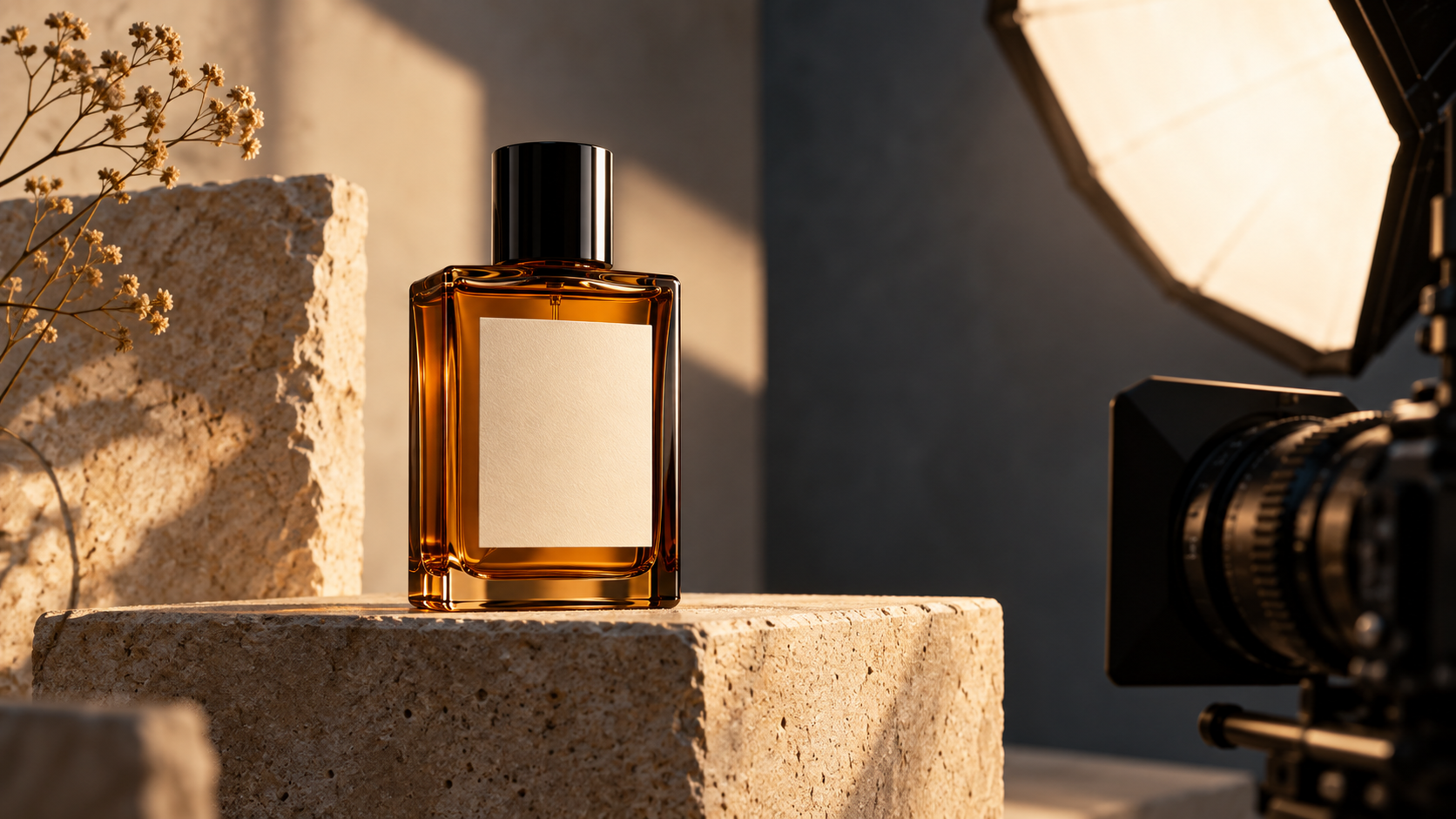
Cover: an original concept illustration generated with OpenAI ImageGen for this article, not a Seedance frame or evidence of model performance. Model and form information checked on October 21, 2026.