Nano Banana Black Friday Ad Prompts: 3 Product Campaign Ideas
Genoriq · Oct 31, 2026
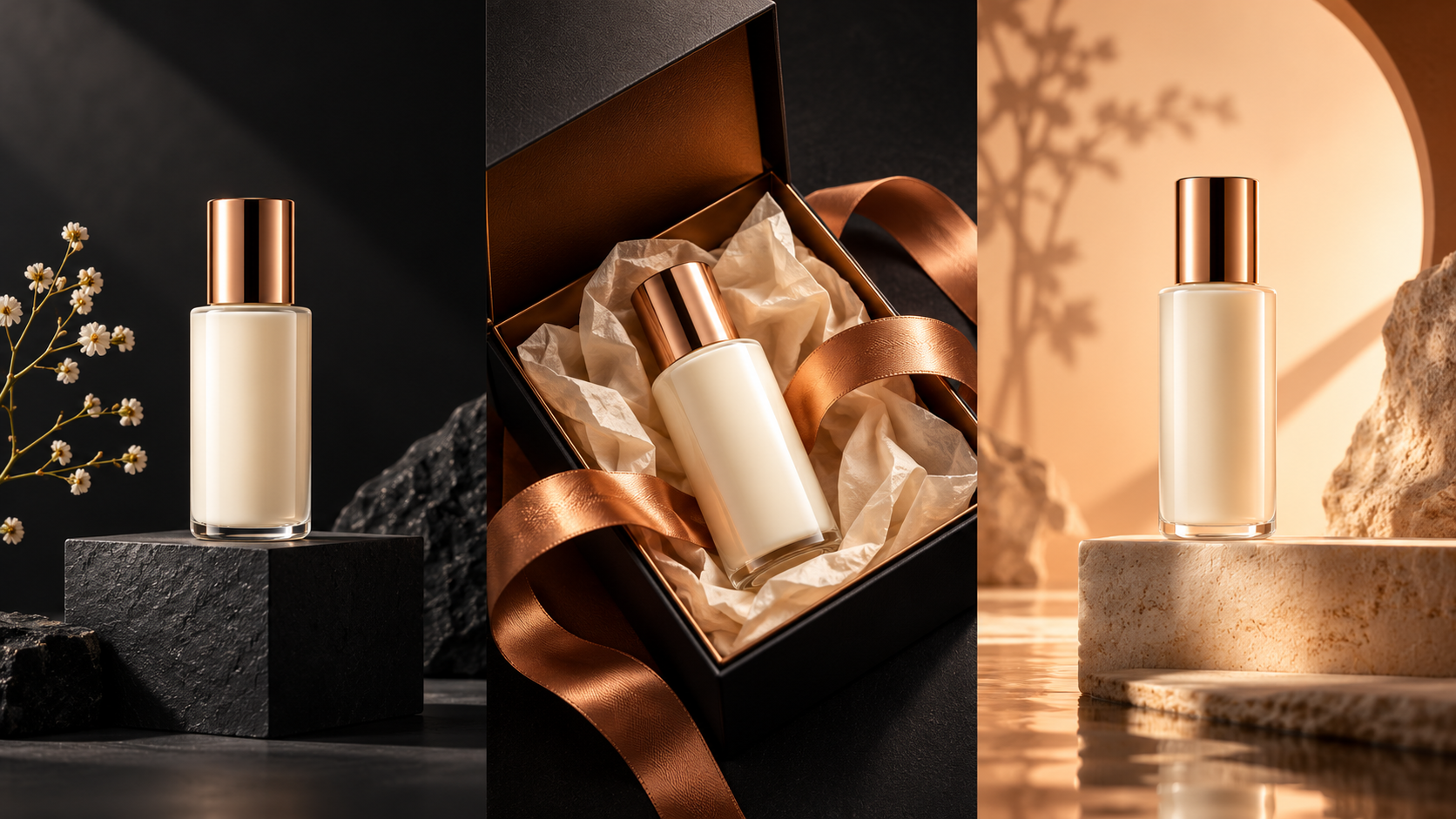
Build your Black Friday campaign around one recognizable product, a clear offer, and a small set of coordinated visuals. Open Nano Banana on Genoriq with a clean product photo, then use the three prompts below to create a hero image, a gift-led composition, and a vertical social creative. Each layout leaves room for your real sale copy.
These are original creative briefs, not benchmark results or promises of higher sales.
Prepare one product and one offer
Choose a sharp photograph of the exact item you sell. Keep the full silhouette visible, use even lighting, and remove unrelated objects. A readable label is helpful, but reference-based generation can still alter small lettering, closures, proportions, or materials. Keep your original photo beside every output during review.
Write down the actual promotion before generating anything: eligible products, discount, dates, exclusions, and destination page. This guide deliberately keeps prices and discount percentages out of the prompts. Add approved copy later in your design editor so every image uses the same accurate wording.
Decide where each asset will appear. A wide homepage image needs a different composition from a vertical story. Select the matching aspect ratio when the current form offers it, and leave generous space around the product so ordinary platform cropping does not remove its cap, handle, or label.
Set up your first generation
- Open the Nano Banana model page and choose the reference-image editing workflow available on Genoriq.
- Upload the product photo and check its preview. Use the current form's file requirements and available settings.
- Paste one prompt below. Replace the product description with the item's real color, material, and shape.
- Generate a first draft, compare it with the source, and change only one instruction on the next attempt.
Keep the product description, lighting, and palette consistent across all three briefs. The live Genoriq form is the reference for available settings.
Prompt 1: a clean Black Friday hero image
Use this composition for a landing-page banner or a simple promotional card. The product carries the image; the dark stage and controlled rim light supply the seasonal mood. The empty area is intentional space for a headline and offer, not an invitation to invent text.
Use the uploaded product photo as the reference for the exact item. Create a premium Black Friday campaign image featuring the same ivory skincare bottle on a low charcoal pedestal. Preserve its silhouette, cap, proportions, label placement, and real color as closely as possible. Soft warm rim light, a subtle grounded shadow, dark matte background, restrained copper accents. Place the product on the right half and keep the left half clean for a headline added later. One product only. No added lettering, prices, discount badges, logos, or extra packaging. Do not redesign the product.
Review the bottle before judging the atmosphere. If the output changes the cap or invents label text, simplify the scene and regenerate from the original reference. For packaging that must remain exact, composite the original product cutout onto the generated background in your editor.
Prompt 2: a gift-ready product composition
A gift angle suits a seasonal promotion without needing fake urgency. The box and ribbon are styling props; they should not imply that extra packaging or accessories are included in the purchase unless that is true.
Create an elegant holiday shopping campaign scene using the exact product in the uploaded reference. Keep the ivory bottle upright and fully visible beside an open, unbranded cream gift box with a narrow copper ribbon. Preserve the product's real shape, scale, color, cap, and label placement. Use warm diffused studio light, tactile paper, soft shadows, and a calm cream background. Leave open space above the arrangement for separately added sale copy. Show one bottle and one styling box only. No invented accessories, text, prices, badges, or hands. The bottle is the clear focal point.
If the box dwarfs the product, request a smaller box. Label styling props clearly when customers could mistake them for part of the offer.
Prompt 3: a vertical social advertisement
Leave room for platform controls. Keep the product and offer away from the edges, and preview the actual placement before publishing.
Make a vertical Black Friday social campaign image from the uploaded product reference. Preserve the exact ivory bottle design, proportions, cap, color, and label placement. Position one bottle near the lower center on a simple matte surface. Use a warm peach-to-charcoal studio background with a controlled copper glow and realistic contact shadow. Leave the upper third uncluttered for a short headline and keep generous space around all edges. Minimal premium retail photography, crisp product silhouette. No generated text, prices, discount numbers, duplicate bottles, hands, or visual clutter.
Finish and check the campaign
Add the real headline, offer, dates, and call to action in your editor. Keep typography consistent across the three assets. Export separate files for each placement rather than stretching one finished banner into every shape.
Before publishing, compare product shape, color, packaging, and label details with the source. Confirm that the visible offer matches the landing page and that gift props are not misleading. Check legibility on a phone and inspect the final crop. Save the original photo, prompt, chosen settings, and approved result so later revisions are straightforward.
For another workflow, read the related image guide. To turn an approved still into motion, continue with our Black Friday video tutorial.
References and cover note
Google's image prompting guidance provides general background on describing a scene and refining an image. The three campaign briefs above are original suggestions; use the controls actually available on Genoriq. References and site entry points checked on October 31, 2026.
The cover is an original concept illustration generated with OpenAI's image-generation tool. It is not a Nano Banana test output or evidence of the results these prompts will produce.