Seedance Black Friday Video Ads: 3 Prompts from One Product Photo
Genoriq · Oct 31, 2026
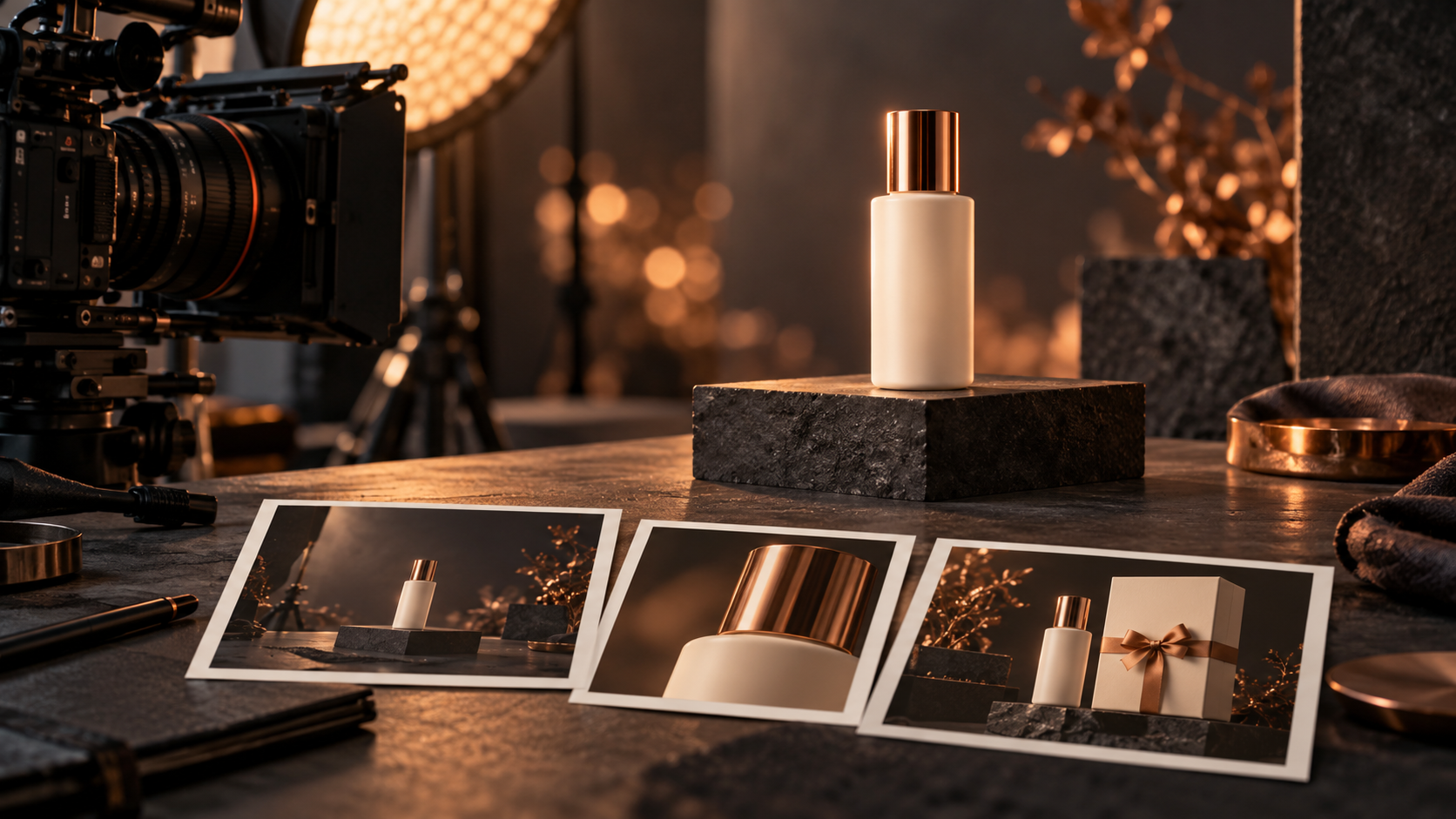
A useful Black Friday video can start with one clear product photo and one deliberate camera move. Open Seedance on Genoriq, prepare an approved first frame, and use the three briefs below for a product reveal, a detail-focused shot, and a gift-season scene. Each clip is a building block for an advertisement, with the real offer added afterward.
These are original storyboard ideas, not performance claims. Check product accuracy before publishing.
Prepare a first frame that can survive motion
Use a sharp, well-lit photograph with the entire product visible and enough room around it for a modest camera move. Avoid tiny labels, crowded arrangements, and reflections that obscure the item's shape. The model uses the image as a visual starting point, but this does not guarantee that every detail stays unchanged.
If you need a seasonal setting first, follow our Black Friday image tutorial. Approve that still against the original product photo before animating it. A distorted cap or incorrect label in the first frame can remain visible throughout the clip; motion will not reliably repair it.
Choose a single objective for each shot: reveal the item, show a visible detail, or suggest a gifting context. Do not ask a short clip to unbox, rotate, transform, demonstrate, and display a sale price at the same time. Keep unsupported performance demonstrations out of the brief.
Choose the workflow on Genoriq
- Open the Seedance model page and choose its available image-to-video workflow.
- Upload your approved product image and inspect the preview before submitting.
- Choose a supported aspect ratio and a short available duration that fits one camera move. Use the current form for resolution, audio, and other options.
- Paste a prompt, generate a draft, and review the entire clip before making a second variation.
This tutorial uses one reference image and restrained movement. Select settings from the actual form. If audio is available, decide whether you need it; you can also add a licensed soundtrack later.
Prompt 1: reveal the product with a slow push-in
Start from a frame where the product is already visible. The reveal comes from movement and light, avoiding an elaborate cloth removal or packaging transformation that could change its appearance. This is a useful opening shot when the offer needs a clean visual anchor.
Animate the uploaded product image as one continuous premium retail shot. The exact ivory skincare bottle remains upright and stationary on its charcoal pedestal. Make a slow, gentle camera push-in while a soft warm highlight moves across the background. Preserve the bottle shape, cap, color, label placement, and proportions throughout. Keep the product fully inside the frame and the label facing the same direction. Stable lighting on the product, realistic contact shadow, calm Black Friday campaign mood. No cuts, rotation, new objects, hands, text, prices, badges, or product transformation.
Look for label shimmer and changes in the cap as the camera approaches. If either appears, reduce the push-in and keep the background lighting static. A simpler clip with a recognizable item is more useful than a dramatic clip that misrepresents it.
Prompt 2: show a visible material detail
Use a source image that shows the material clearly. A small sideways move limits how much of the hidden side the model must invent. Keep the product recognizable.
Use the uploaded product photograph as the first frame. Create a single restrained detail shot of the same ivory skincare bottle. Move the camera very slightly from left to right, keeping the front label visible and the bottle fully recognizable. Emphasize the surface texture and soft reflection already present in the reference. Preserve the exact silhouette, cap, label placement, color, and proportions. The bottle stays stationary. Soft controlled studio lighting and an uncluttered background. No full orbit, extreme close-up, invented back label, liquid effects, hands, text, prices, cuts, or changes to the packaging.
Watch the first, middle, and final frames, then replay the full movement. If the side view exposes invented details, reduce the sideways travel or use a fixed camera. Do not describe the shot as a factual demonstration of texture or performance unless the final result accurately represents the real item.
Prompt 3: add a quiet gift-season atmosphere
Prepare a first frame with the product beside an open gift box and ribbon. The product should remain the anchor while the atmosphere supplies movement. Avoid implying that the box is included if it is only a styling prop.
Animate this prepared gift-season product image as one continuous shot. Keep the exact ivory bottle and the open cream gift box in their original positions. Preserve the bottle design, cap, color, label placement, and proportions. Use a very gentle camera push-in and soft distant background bokeh. The ribbon and box remain still, with no opening or unwrapping action. Warm copper-and-cream lighting, calm premium shopping mood, clear product silhouette. No added products, hands, snow covering the label, text, prices, countdowns, cuts, or transformations.
Assemble the finished advertisement
Choose the strongest clip rather than keeping every draft. Add your headline, actual discount, valid dates, and call to action as separate text layers in your editor. Hold the final offer long enough to read, and check it on a phone. A soundtrack or voice-over should support the message without making unverified product claims.
Vary the opening shot or headline while keeping the offer consistent. This helps comparisons without guaranteeing better conversions. Check that platform overlays do not cover the product or offer.
Before posting, inspect the full clip for flickering labels, warped packaging, unwanted duplicates, abrupt cuts, and misleading props. Confirm that the landing page matches the advertisement. Save the source image, prompt, settings, and final edit. For more context, see the related video workflow guide.
References and cover note
ByteDance's Seedance 2.0 overview describes the provider's broader multimodal capabilities. The workflow here is limited to the controls verified on Genoriq; check the current form before generating. References and site entry points checked on October 31, 2026.
The cover is an original concept illustration generated with OpenAI's image-generation tool. It is not a Seedance-generated video frame or a demonstration of the prompts' actual output.