The Date Gets Lost: A Nano Banana Halloween Poster Critique
Genoriq · Oct 25, 2026
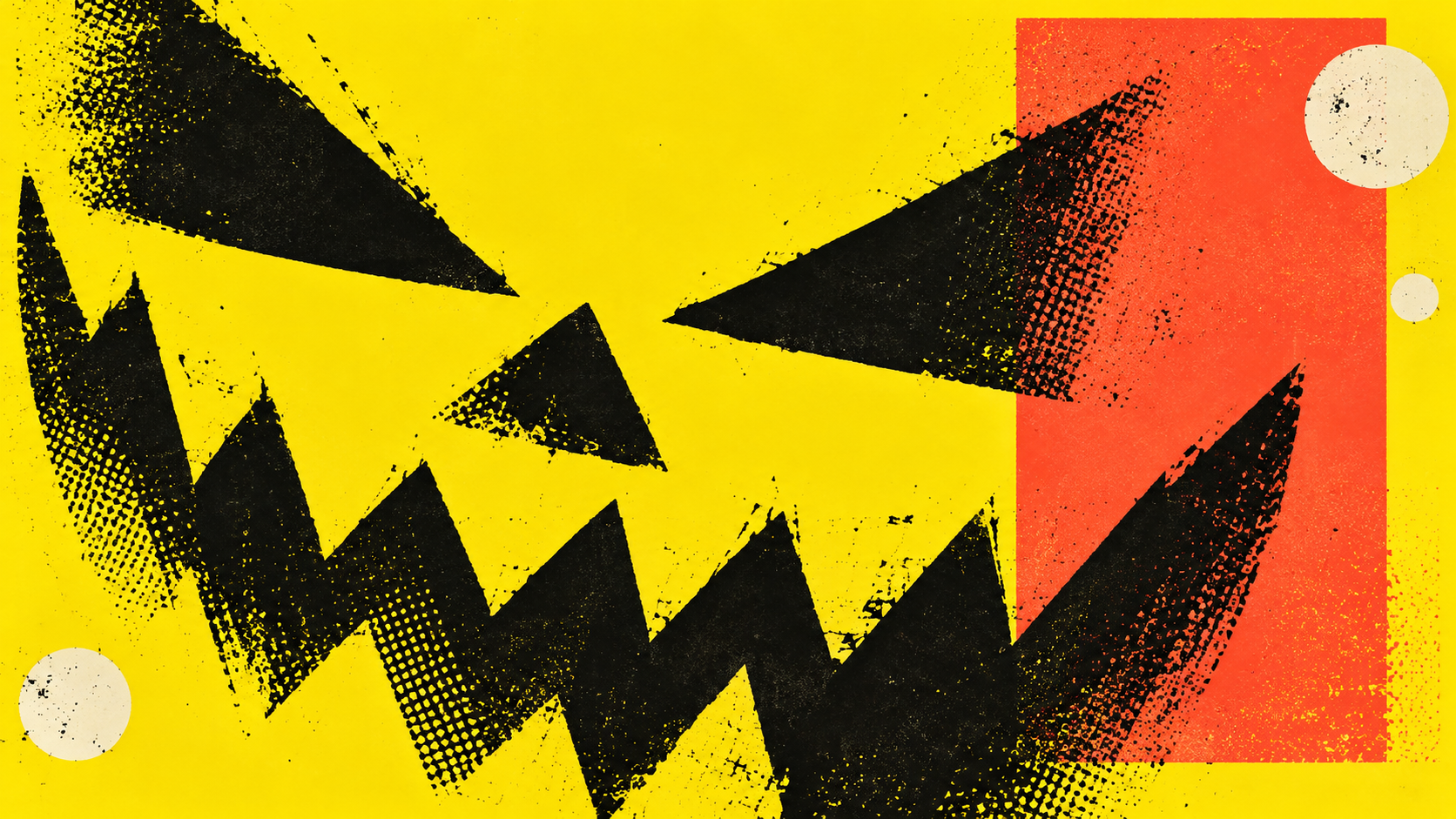
The pumpkin gets noticed. The date gets missed. That is the awkward little failure at the heart of many Halloween posters: the illustration earns the glance, then leaves the reader hunting for the reason to turn up.
Let's design for that second glance. This Nano Banana Halloween party poster brief follows one imaginary event from an overcrowded idea to a usable invitation. Open Nano Banana Pro on Genoriq if you want to work alongside it. The prompts are original proposals; the revisions below are editorial decisions, not a report of tested generations.
On the desk: one event, four lines
Our fictional event is called AFTER DARK. Its imaginary venue is NORTH HALL, and its example date is 31 OCTOBER 2026, with doors at 7 PM. Replace every detail with approved information before making your own invitation. These names and times do not advertise a real gathering.
That is the whole front of the poster. Ticket terms, directions, accessibility details, and the full schedule belong on an accompanying event page or caption. A poster can point to those details without trying to contain all of them. If admission conditions affect whether someone can attend, make them prominent in the final invitation rather than hiding them in decorative fine print.
The design brief: a person scrolling past should remember the event, find the date, and know where to go.
Write those four lines in a plain document first. Ask the organizer to check them before choosing colors. This feels unglamorous, but changing a venue late in the process is easier when the source of truth is a short text file, rather than a dozen visually similar generated images.
The art direction: a poster with an opinion
For this version, choose a rough screenprint look: near-black ink, acid yellow, a sharp coral accent, and one oversized pumpkin silhouette. The mood is energetic and graphic. A small crescent, three bats, a haunted house, and a candle would each compete for attention; leave them out of this particular composition.
The pumpkin lives at the edge. The event name owns the largest type. The date and time form a second reading level, with the venue beneath. Texture belongs in the illustration and background, while the letter shapes need enough clarity to survive a small phone preview. Requesting distress everywhere can turn an interesting print treatment into ambiguous characters.
In the Genoriq workspace, use text-to-image for this first concept and choose a portrait 3:4 canvas. Match that choice in the prompt. If you already have an approved illustration to revise, use the image-editing mode and upload it instead. The output is a design candidate, even when the typography initially looks convincing.
Design a portrait 3:4 poster for a fictional Halloween event.
Flat screenprint artwork, near-black ink, acid yellow and one coral
accent. One oversized pumpkin silhouette enters from the bottom edge.
Keep the middle open. Use crisp, strongly contrasted letter shapes;
rough ink texture belongs in the illustration, not across the letters.
Print only these exact lines, without quotation marks:
Largest: "AFTER DARK"
Second level: "31 OCTOBER 2026"
Immediately below: "7 PM"
Below that: "NORTH HALL"
Make the date readable at a small viewing size. Generous margins.
No extra text, logos, QR codes, mockup frame or photographic setting.
The red pencil: what earns a revision
Imagine receiving a candidate with a wonderful pumpkin, a huge event name, and a tiny date. The art direction is working; the information hierarchy is not. The useful revision names that relationship. Adding more adjectives about atmosphere would leave the actual problem untouched.
Use the next prompt only if the candidate has this specific problem. Upload that candidate in image-editing mode. If the date is already clear, move on to checking its characters instead of asking for an unnecessary redesign.
Edit the supplied fictional event poster. Keep the pumpkin silhouette,
ink palette and overall layout. Increase the prominence of the date
"31 OCTOBER 2026" and time "7 PM" so they read immediately after
"AFTER DARK". Keep "NORTH HALL" clearly separate beneath them.
Move decorative texture away from all letters and numbers.
Do not introduce new words, icons or ornaments. Preserve the approved
event wording exactly and keep every line inside generous margins.
Now read the exported image aloud, one line at a time, against the approved copy. Read the date as individual characters. Look for duplicated words, a missing digit, and a letter that only resembles the correct one at a glance. Ask another person to read it without first showing them the source text; otherwise they may unconsciously supply the expected wording.
Google's Nano Banana Pro prompting guidance recommends explicit text and editing instructions while acknowledging limitations in text rendering. A narrow edit is still a generation: recheck the venue and headline after changing the date. Approval of an earlier version does not carry over automatically.
When the lettering should leave the image
Suppose the event has three language versions, a venue still awaiting confirmation, and tickets whose link may change. At that point, editable type becomes a practical production choice. Keep the illustration, then compose the words in a design editor. This gives each language room for natural line breaks and makes corrections straightforward.
The following alternative asks for a background rather than a finished invitation. Generate it as a new image, then add reviewed text in your editor. The quiet region is a requested layout feature; inspect it before committing to a type placement.
Create a portrait 3:4 flat screenprint Halloween poster background.
Acid yellow paper field, near-black ink, one small coral accent.
An oversized cropped pumpkin silhouette occupies the bottom quarter.
Leave the upper three quarters mostly flat, quiet and open for editable
event text to be added later. Keep rough halftone texture near the edges.
No lettering, numbers, symbols resembling text, logos or QR codes.
No staged photograph, shadows, frame or three-dimensional objects.
A real QR code should come from the destination link, be placed separately, and be tested in the exported design at its intended size. Treat a generated QR-like pattern as decoration. If the poster needs a recognizable host portrait, prepare that image with the Halloween portrait guide before assembling the final layout.
The last look happens where the poster will live
For a phone feed, preview the final crop at ordinary viewing size. For a story, check the destination app's controls against the date and venue. For print, get dimensions, bleed, color, and file-format requirements from the printer; a portrait ratio is only a starting composition. More pixels cannot repair incorrect wording.
Keep the approved copy beside the exported file and check both together. If you later animate the artwork using the Halloween video ideas, place the final event text after the motion edit and check it again. The invitation is ready when its information remains readable in the format people actually receive.
Cover: original screenprint-style concept illustration generated with OpenAI ImageGen. It is not a Nano Banana Pro test result. All event details in this article are fictional examples.